Introduction
Choosing a laptop that efficiently handles both work and personal tasks is essential today. A versatile laptop can save money and space while allowing seamless transitions between professional responsibilities and leisure activities. This article delves into key considerations for selecting work laptops that excel on and off the clock.

Understanding the Need for Dual-Use Laptops
The laptop has become a vital tool as work and personal lives increasingly overlap. It’s not just about crunching numbers; personal usage might include high-definition streaming or light gaming. Knowing what you expect from a dual-use laptop can guide you toward an informed decision. Your goal is to find a device that’s as comfortable handling work tasks as it is at rendering video or running games, all while safeguarding your data.
Key Features to Consider in a Work Laptop for Personal Use
Selecting a laptop for dual purposes can be challenging but identifying specific needs simplifies the process. Here are the key features to guide your choice:
- Essential Performance Specifications: A strong processor, minimum 8GB of RAM, and a solid-state drive (SSD) are crucial to multitasking efficiency.
- Display and Audio Quality: High-resolution screens with vibrant colors are vital for working on detailed projects and enjoying multimedia content. Crisp audio enhances video calls and entertainment experiences.
- Battery Life and Portability: A lightweight design with extended battery life ensures that you remain productive on the go without the inconvenience of frequent recharging.
Balancing performance and portability ensures that your laptop meets the demands of both workdays and leisure time, keeping you satisfied and efficient.
Balancing Work and Personal Security
With security breaches becoming more common, it is critical to protect both professional files and personal information.
- Implementing Robust Security Features: Seek features such as biometric authentication and hardware-based security modules. These safeguard against unauthorized access while protecting your data.
- Managing Personal and Professional Data: Segregate sensitive work documents and personal files into distinct folders or desktop profiles. This minimizes risks, keeping both confidential.
Sound security practices build trust in your device’s ability to handle both professional demands and personal leisure.
Customizing Your Laptop for Both Work and Personal Tasks
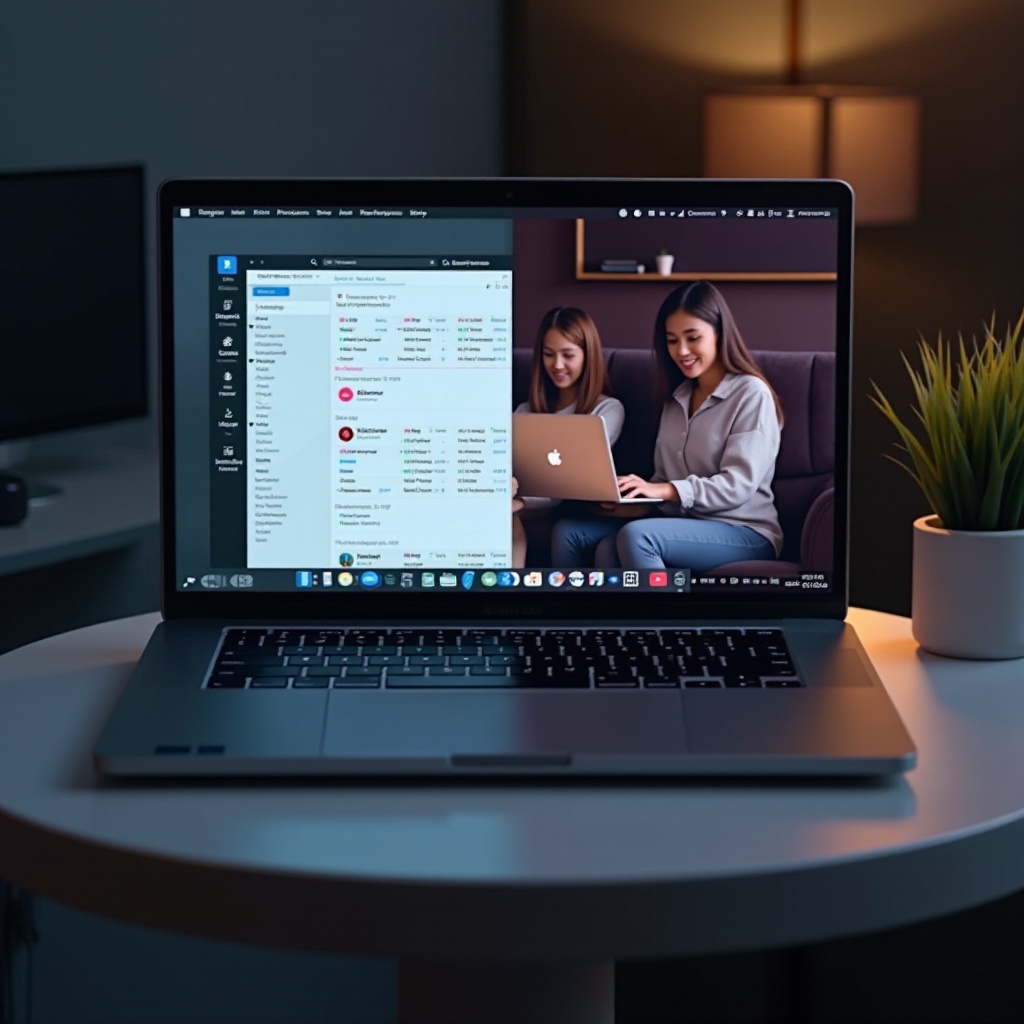
After securing the basics, it’s time to customize. Customization enhances user experience and functionality, making your laptop truly yours.
- Optimizing Software and Applications: Productivity suites boost work efficiency, while multimedia apps satisfy personal interests. Ensure compatibility for essential software across both domains.
- Personalizing User Interface: Adjust settings such as wallpaper, taskbar arrangements, and notifications to suit your preferences. Separate user profiles can further distinguish work from personal setups.
These tweaks promote productivity while ensuring your device feels personalized and comfortable for various tasks.
Top Laptop Models for 2024: Work and Play
Choosing the right laptop involves matching your needs to available models. Here are some top contenders:
- Budget-Friendly Picks: Models from Acer and ASUS deliver solid performance without breaking the bank, excelling in basic work tasks and with satisfactory entertainment capabilities.
- Mid-Range Versatile Options: Devices like the Lenovo Yoga and HP Spectre series offer strong performance, impressive displays, and battery life ideal for a mix of work and play.
- Premium Models: For those investing in a superior experience, devices like the MacBook Pro deliver unmatched performance and exceptional displays, complemented by robust software support and security.
Selecting a laptop that aligns with your requirements ensures satisfaction, catering efficiently to both professional and personal needs.
Future-Proofing Your Laptop Purchase
Technological advances make future-proofing your investment more crucial than ever. Choose a laptop that mitigates the risk of becoming outdated.
- Upcoming Technological Trends: Watch for laptops with AI-enhanced performance, superior battery technology, and upgraded connectivity options like 5G.
- Evaluating Long-term Software Support: Ensure strong platform backing, regular updates, and warranties to extend your laptop’s useful life.
Prioritizing future-proofing increases the long-term value of your investment, ensuring consistent performance and enjoyment over time.
Conclusion
Finding the perfect all-encompassing laptop involves balancing features, performance, and security to suit your varied needs. With insights into top models and customization options, making an informed choice is clearer. Enjoy seamless transitions between work and personal use with a laptop that perfectly fits into your digital life.
Frequently Asked Questions
Can I use a work laptop for gaming?
Yes, but ensure your laptop has a robust processor, dedicated graphics, and adequate RAM for smooth gameplay.
How do I ensure data privacy on a shared laptop?
Use separate user profiles and secure passwords. Consider encrypting sensitive files for added protection.
What are the software essentials for dual-use laptops?
Essential software includes office productivity suites, security tools, and multimedia applications for personal use.