Introduction
Enhance your gaming experience without spending a fortune. Choosing the right gaming mouse is key to improving your gameplay. A good gaming mouse offers precision, comfort, and reliability—qualities that are essential whether you’re competing in esports or playing casually. In this guide, we explore cost-effective options for 2024, highlighting mouses that come in under $100 and won’t compromise on quality.

Why Choosing the Right Gaming Mouse Matters
A gaming mouse is more than just a device; it’s an essential part of your gaming arsenal. The right mouse can enhance your gaming performance through improved precision aiming, faster movements, and more intuitive actions. For any gamer aiming for serious improvement, selecting the right mouse becomes a vital element of success. Regardless of whether you’re an esports enthusiast or a casual gamer, your choice of mouse significantly impacts your gaming performance and enjoyment.
Key Features to Consider in a Gaming Mouse
Understanding the essential features of gaming mouses helps you make an informed choice. These features play a crucial role in how a mouse performs and integrates with your gaming style.
- DPI and Sensitivity: A mouse with adjustable DPI allows you to change your cursor speed. A higher DPI is useful for fast-paced games, while a lower DPI aids precision for targeting.
- Ergonomics and Comfort: The mouse design should fit your grip style and hand size. Comfortable design reduces fatigue during long gaming sessions and improves performance.
- Customization and Programmable Buttons: Extra buttons can be programmed for specific actions, providing you with a competitive edge by making critical actions quicker to execute.
Considering these features helps you to locate a mouse that fits your gaming style perfectly and enhances your overall gameplay experience.
Top 5 Gaming Mouses Under $100 for 2024
Let’s dive into some of the best gaming mouses under $100, each offering exceptional value and performance:
- Logitech G502 HERO
- Features a high-performance HERO sensor for precise gaming.
- Customizable weights allow you to adjust the balance and feel.
-
11 programmable buttons give you ultimate control.
-
Razer DeathAdder Elite
- Known for its ergonomic design that ensures comfort.
- Equipped with a high-precision optical sensor that delivers accuracy.
-
Offers a sturdy build with customizable RGB lighting.
-
SteelSeries Rival 310
- Provides excellent tracking accuracy with the TrueMove3 sensor.
- Comfortable and durable with split-trigger button design.
-
Designed for both speed and precision.
-
Corsair Harpoon RGB Wireless
- Wireless connectivity offers freedom of movement.
- It is lightweight and compact, perfect for rapid movements.
-
Multiple DPI settings and customizable lighting enhance gaming.
-
HyperX Pulsefire FPS Pro
- Designed specifically for FPS gaming.
- Features the Pixart 3389 sensor for accurate tracking.
- Comfortable grip and textured side grips improve control.
These options underscore a balanced combination of performance, comfort, and customization, allowing you to achieve peak gaming performance.
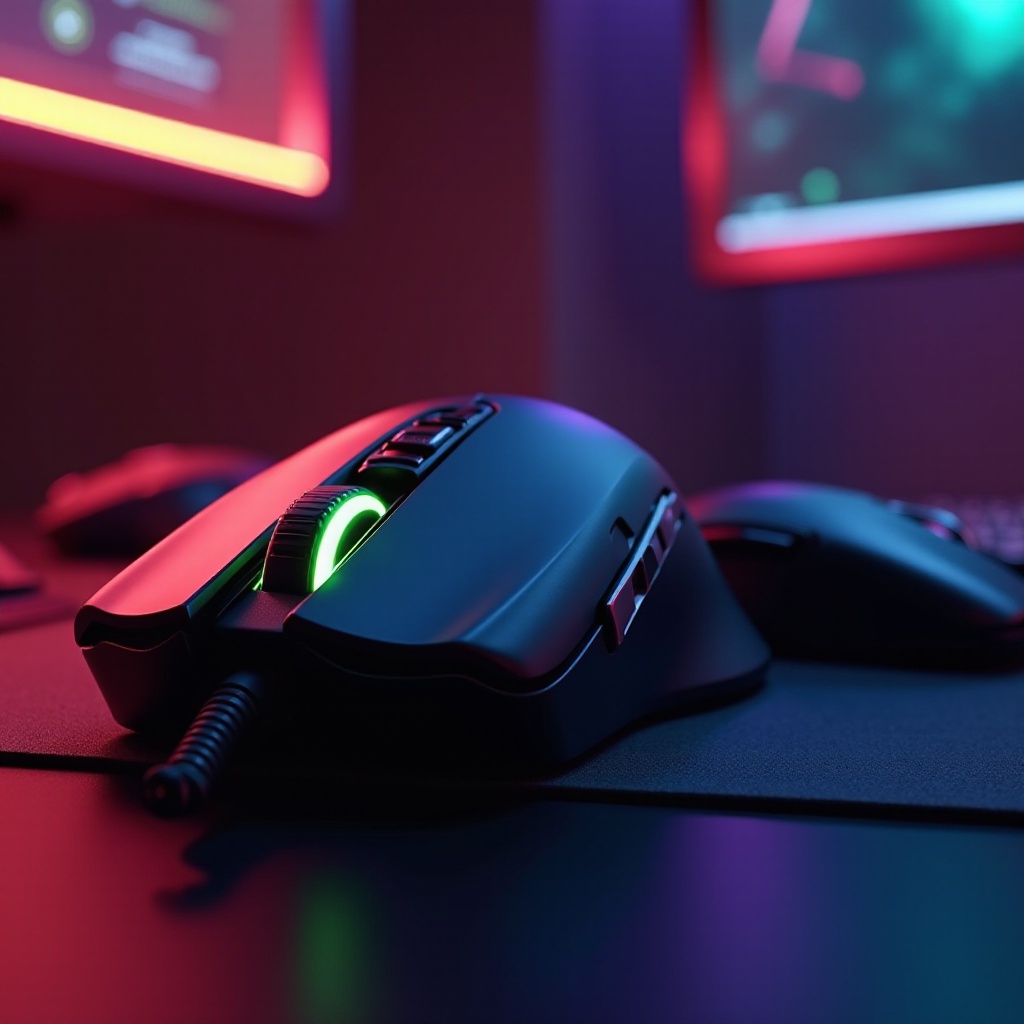
How to Choose the Right Mouse for Your Gaming Style
Choosing a gaming mouse greatly depends on your personal preferences and gaming style. Consider these aspects to guide your decision:
- Grip Types: Decide whether a palm, claw, or fingertip grip suits you best, as this determines your optimal mouse shape and size.
- Game Genre Considerations: FPS gamers may prioritize quick response times and accuracy, while MMO players might prefer mouses with additional programmable buttons for multifaceted gameplay.
Understanding these elements will simplify your selection process, leading you to a mouse that not only meets your gaming demands but enhances your overall gaming experience.
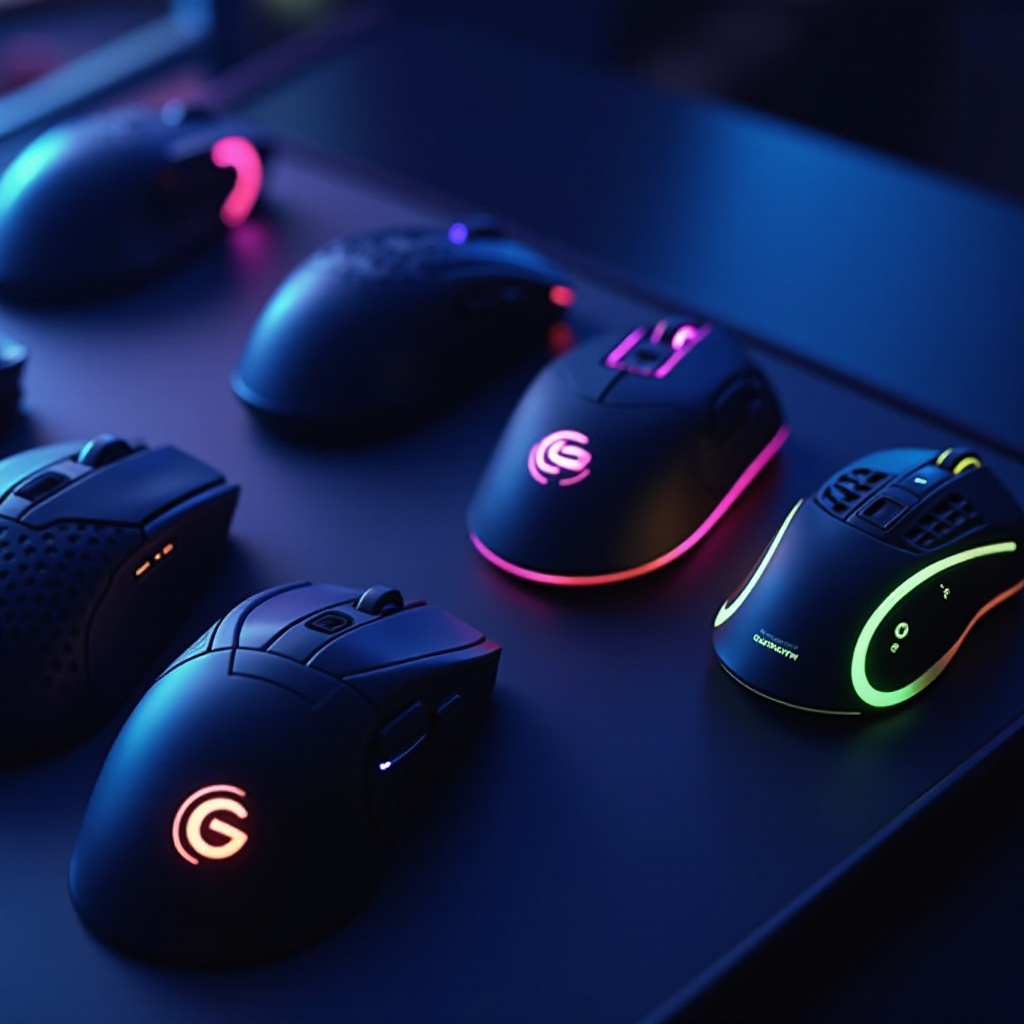
Conclusion
You can elevate your gaming sessions without exceeding your budget by choosing one of the aforementioned gaming mouses. Each model merges affordability with high performance. By considering what aspects you prioritize—be it comfort, precision, or a range of additional features—you’ll find the right gaming mouse that complements both your budget and your gaming style.
Frequently Asked Questions
How often should I replace my gaming mouse?
Typically, a gaming mouse should be replaced every 1 to 2 years, depending on its wear and usage frequency.
Are wireless mouses as reliable as wired ones?
Yes, modern wireless mouses offer similar reliability and performance to wired ones, especially for casual gaming.
Can I use a gaming mouse for non-gaming tasks?
Yes, gaming mouses provide precision and comfort, making them suitable for everyday computing tasks as well.