Introduction
Finding that your Wii controller is not connecting to the Wii console can be frustrating, especially when excitement for gaming is in the air. The Nintendo Wii’s immersive gameplay experience hinges on a seamless connection between the controller and the console. This connection is vital for executing precise movements required by many games. This guide delves into common causes of connectivity mishaps and offers practical solutions, ranging from basic to advanced troubleshooting. We’ll also cover preventive strategies to avert future issues, empowering you to jump back into gaming with confidence and uninterrupted fun.
Understanding Wii Controller Connectivity
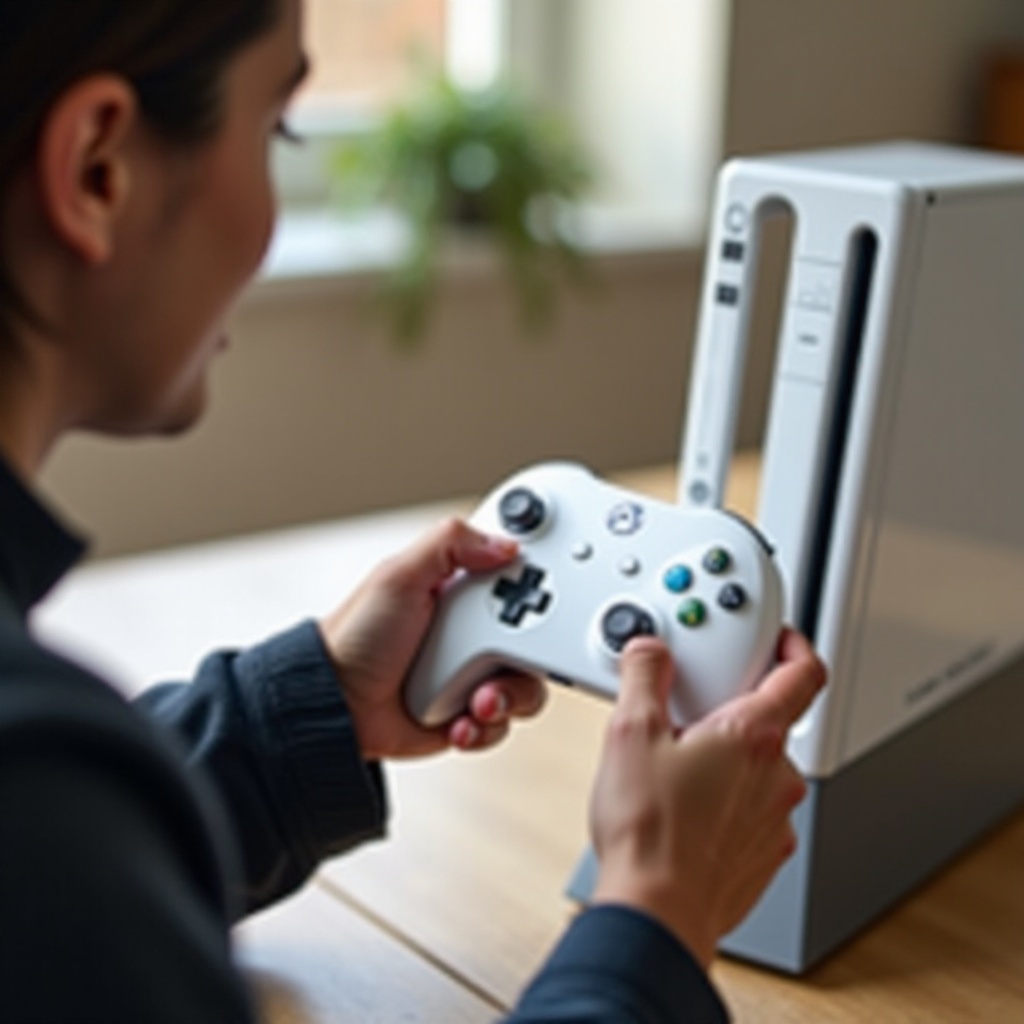
The Wii console establishes a wireless connection with the Wii Remote via Bluetooth technology, which enhances mobility but also presents the possibility of connection disruptions. Knowing the ins and outs of this wireless setup is crucial when diagnosing problems. A proper connection entails the controller sending a Bluetooth signal that the console must respond to. Disruptions occur when either device fails to communicate effectively. Such interruptions can manifest as complete sync failure, intermittent connections, or delayed response times during play. Identifying these symptoms is critical for figuring out the underlying issues.
Common Causes of Connection Issues
Your Wii controller may disconnect or not connect for several reasons:
-
Low Battery: Stability of the connection heavily depends on sufficient battery charge in the Wii Remote. Weak or drained batteries can cause hiccups.
-
Sync Issues: An unsuccessful initial sync process could result in a failure to establish a link between the controller and console.
-
Interference: External wireless signals or nearby electronic appliances, including routers and microwaves, might interrupt Bluetooth communication.
-
Hardware Malfunction: Any malfunction in the remote’s or console’s components can result in recurring connectivity issues.
-
Distance and Obstacles: Bluetooth signals degrade over long distances or when blocked by physical barriers, causing connection failure.
Understanding these potential issues allows you to effectively pinpoint the problem and prepare for corrective actions.
Basic Troubleshooting Steps
Try these steps to resolve your Wii controller connection problems effectively:
-
Check and Replace Batteries: Make sure your Wii Remote is equipped with fresh batteries. Replace old ones if they are depleted.
-
Re-sync the Controller: Conduct a re-sync by pressing the sync button on both the console and remote until a stable connection indicator appears.
-
Remove Interferences: Identify and remove sources of interference like wireless routers, microwaves, or any other devices that might affect signal strength.
-
Minimize Distance: Keep within an optimal range of the Wii console, ensuring no objects obstruct the signal between console and controller.
-
Restart the Console: Perform a power cycle by turning off the Wii, waiting a few moments, then restarting it. This can reset connection processes.
If these steps don’t resolve the issue, you may need to dive deeper into more comprehensive troubleshooting methods.
Advanced Troubleshooting Techniques
For stubborn connectivity issues, consider these more detailed methods:
-
Inspect Hardware: Verify that the sensor bar is intact and properly positioned. Test the remote on another console to rule out the remote as a fault source.
-
Update Firmware: Check that your Wii console and remotes have the latest firmware updates for improved performance.
-
Check Console Settings: Review the console’s settings to ensure Bluetooth connectivity settings are appropriately configured.
-
Reset and Re-sync All Controllers: Clear all synced controller data and re-sync each from scratch to eliminate potential setup glitches.
-
Consult the Manual or Manufacturer: Your Wii console’s manual or manufacturer support may offer additional solutions for specific problems.
These advanced solutions target more persistent issues unmet by basic troubleshooting.
Preventive Measures for Future Issues
To prevent future connectivity problems, consider the following proactive measures:
-
Regularly Replace Batteries: Always have spare batteries ready and replace them frequently to maintain optimal charge.
-
Maintain a Clear Connection: Routinely clear the play area of electronic interferences and obstacles to support a robust signal.
-
Handle with Care: Avoid mishandling your Wii Remote to preserve its internal components and avoid potential connectivity issues.
-
Routine Checks: Regularly sync and check the functionality of your controllers even if they aren’t frequently used to ensure continued performance.
By adopting these practices, you’ll enhance your Wii experience with less downtime and enjoy smoother gameplay.
Conclusion
Addressing Wii controller connectivity problems doesn’t have to be a daunting task. By understanding the possible causes, employing both simple and comprehensive troubleshooting measures, and implementing effective preventive strategies, you can restore and maintain a seamless gaming experience. Remember, a persistent and informed approach is key to overcoming connectivity challenges, allowing you to enjoy your games with minimal interruptions.
Frequently Asked Questions
Why does my Wii remote keep disconnecting from the Wii?
The most common reason is low battery power. Firstly, check and replace the batteries to ensure the remote is charged. Also, interference from other electronics and distance from the console can cause disconnections.
Can interference affect my Wii controller’s connectivity?
Yes, interference from wireless signal-emitting devices, such as routers, microwaves, and other Bluetooth gadgets, can disrupt your Wii Remote’s connectivity. Minimizing this interference can boost signal reliability.
What should I do if my Wii controller won’t sync at all?
If syncing doesn’t work, try re-syncing by pressing the sync buttons on the remote and console. Check for hardware problems, update the console firmware, and ensure batteries are charged. For persistent issues, consult the manual or manufacturer support.