Introduction
Choosing the right operating system for your laptop significantly impacts your computing experience and efficiency. A suitable OS can enhance productivity, streamline tasks, and offer an enjoyable user experience. In 2024, several operating systems stand out for their unique features and functionalities, making it essential to understand each one before deciding what’s best for you. In this guide, we delve into the most popular laptop operating systems available today, examining their unique offerings.
Windows 11: The Flagship Experience
Windows 11 holds a preeminent position in the operating system landscape, renowned for its versatility and user-friendly design. From casual users to professionals and gamers, it meets diverse requirements with a rich set of features.
Key Features
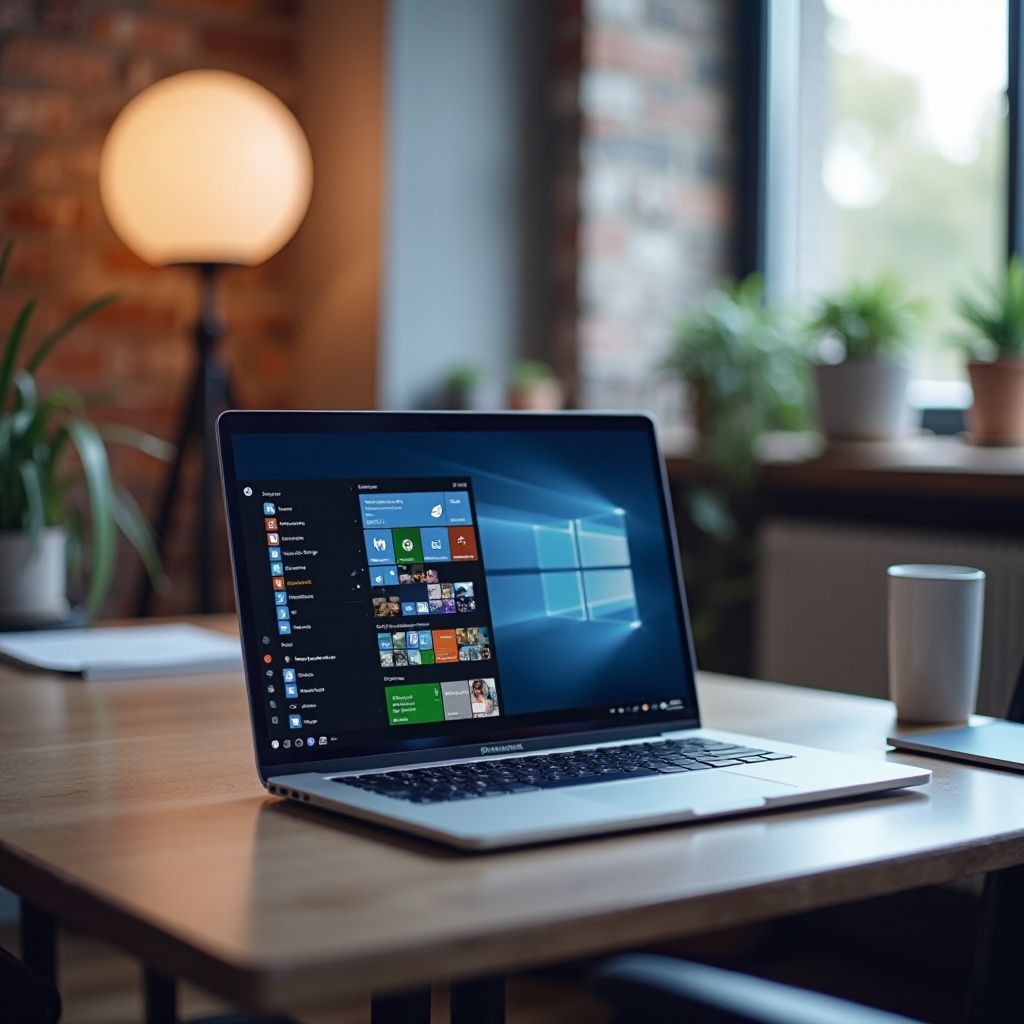
Windows 11 introduces a centered taskbar with a new Start Menu, offering a renewed focus on ease of use. With features like Snap Layouts for multitasking, integrated Microsoft Teams for communication, and DirectStorage for enhanced game performance, Windows 11 adapts to all user needs efficiently.
Pros and Cons
- Pros:
- A highly customizable interface that meets various user preferences.
- Strong support for gaming and high-performance software.
- Wide compatibility with third-party software and hardware.
- Cons:
- Regular updates may disrupt business workflows with unexpected changes.
- Older devices may experience compatibility issues, necessitating hardware upgrades.
Best Use Cases
Windows 11 excels in environments where flexibility, power, and productivity are valued, making it a strong choice for businesses, educational settings, and gaming enthusiasts alike.
macOS Ventura: Power and Elegance
Complementing Windows 11 is macOS Ventura, Apple’s latest offering that promises seamless integration within the Apple ecosystem. It combines sophistication with robust performance, appealing particularly to creative professionals.
New Features for 2024
MacOS Ventura introduces Stage Manager for improved window management and advanced privacy features like Mail Privacy Protection. Enhancements to Mail and Safari also increase overall utility and user satisfaction.
Strengths and Weaknesses
- Strengths:
- Offers a sleek, intuitive interface.
- Strong security and privacy controls that ensure user data protection.
- Optimized for Apple hardware for superior performance.
- Weaknesses:
- Limited to software available within the Apple ecosystem, reducing flexibility.
- Customization options are more restricted compared to some competitors.
Ideal for Creatives and Professionals
Graphic designers, video editors, and creatives benefit greatly from macOS Ventura’s software optimizations for demanding applications, such as Adobe Creative Suite and Final Cut Pro.
ChromeOS: Simplicity and Speed
For those seeking a streamlined, cloud-focused operating system, ChromeOS offers a unique proposition. Its design caters to users desiring basic functionality paired with exceptional speed and efficiency.
Latest Improvements
Continuing to improve, ChromeOS now offers better support for Android apps and features expanded offline functionality to remain productive even without internet.
Advantages and Limitations
- Advantages:
- Quick startup times and minimal resource demands.
- Seamless integration with Google services and cloud-based tools.
- Cost-effective, suitable for users on a budget.
- Limitations:
- Limited offline capabilities hinder software use without internet access.
- Offers fewer desktop applications compared to Windows or macOS.
Suitability for Students and Casual Users
ChromeOS is ideal for students and casual users who rely predominantly on web-based applications, offering simplicity and affordability.
Linux Distributions: Versatility and Freedom
Linux stands apart with its open-source model, perfect for users who seek full control over their system environment. It offers numerous distributions, each with unique features catering to different user needs.
Popular Distros in 2024
Leading the Linux landscape are distributions like Ubuntu, Fedora, and Debian, each appealing to a wide array of technical preferences and requirements.
Benefits and Challenges
- Benefits:
- Offers extensive customization and control, appealing to tech-savvy users.
- Enhanced security features due to its open-source nature.
- No cost of use with strong community support.
- Challenges:
- The learning curve may be steep for those new to Linux.
- Limited support for proprietary software may necessitate workarounds.
Who Should Consider Linux?
Linux is best suited for developers, system administrators, and technically inclined users who value openness and system control.
Future Trends in Laptop Operating Systems
Looking to the future, ongoing advancements shape how operating systems operate, with trends focused on enhancing user experience and system functionality.
AI Integration and Automation
AI capabilities are increasingly built into operating systems, offering smarter task automation and productivity enhancements to streamline user activities.
Cloud-Based Innovations
Cloud integration is at the forefront, allowing users seamless access to data and applications from anywhere, facilitating mobility and collaboration.
Security Enhancements
Robust security features continue to be a top priority, with OS solutions offering protection against evolving cyber threats to guard user data and privacy.
Conclusion
Selecting the best laptop OS is contingent upon your needs and personal preferences. Whether you seek customization, ease of use, or integration, there’s an OS designed for you. Explore these options to find the perfect fit for your digital lifestyle.
Frequently Asked Questions
What is the most user-friendly laptop OS in 2024?
Windows 11 and macOS Ventura are both considered user-friendly, offering intuitive designs for diverse user needs.
How do I choose the right OS for gaming?
Windows 11 is ideal for gaming due to its compatibility with a wide range of games and gaming hardware.
Is it worth switching from Windows to Mac in 2024?
Switching from Windows to macOS Ventura is beneficial if you are invested in the Apple ecosystem or require software suited for creative work.