Introduction
Tablets are indispensable tools for many, offering the perfect balance between portability and performance. Apple’s iPad is renowned for its sleek design and user-friendly interface, yet numerous users seek alternatives that provide distinct features or are more budget-friendly. Thankfully, the market offers a variety of tablets each with different operating systems, capabilities, and price ranges. Whether you’re a student seeking portability, a professional needing productivity, or a user desiring entertainment, a tablet exists that matches your criteria.

Why You Might Need an iPad Alternative
Several factors drive the search for an iPad alternative. Price is often a significant consideration, as iPads come with premium price tags that aren’t always budget-friendly. Moreover, certain users prefer other operating systems like Android or Windows, each with unique ecosystem advantages. Other tablets may offer features iPads don’t emphasize, such as enhanced stylus support or exceptional gaming performance. Understanding these varying features and how they align with your priorities is crucial to finding the right tablet.
Top iPad Alternatives of 2024
In our exploration of the best iPad alternatives for 2024, we identify various exceptional options across different brands that cater to a wide range of needs.
Samsung Galaxy Tab S9
The Samsung Galaxy Tab S9 stands out with its vibrant Super AMOLED display, ideal for media consumption and productivity. Its inclusion of the S Pen stylus is a substantial advantage for artists and note-takers.
Pros:
– Stunning display quality
– High-performance hardware
– Includes S Pen for creative tasks
Cons:
– Can be pricier than other Android tablets
Microsoft Surface Pro 9
For Windows enthusiasts, the Microsoft Surface Pro 9 is a prime choice. This versatile hybrid device, complete with a detachable keyboard and kickstand, perfectly suits professionals needing both productivity and leisure in a single device.
Pros:
– Laptop-tablet hybrid functionality
– Supports full Windows applications
– High-resolution PixelSense display
Cons:
– High cost when fully configured
Amazon Fire HD 10
The Amazon Fire HD 10 offers a budget-conscious option, performing well for everyday tasks. While it doesn’t have high-end features, it’s perfect for streaming, browsing, and light reading, suitable as a secondary device.
Pros:
– Affordable pricing
– Decent battery life
– Amazon services integration
Cons:
– Limited in-app ecosystem
Lenovo Tab P11 Pro
Known for its multimedia capabilities, the Lenovo Tab P11 Pro provides an excellent viewing experience with Dolby Vision support. Its sleek and durable design is suitable for entertainment and light productivity users.
Pros:
– Superior display for media
– High-quality build
– Extended battery life
Cons:
– Performance is mid-tier relative to premium tablets
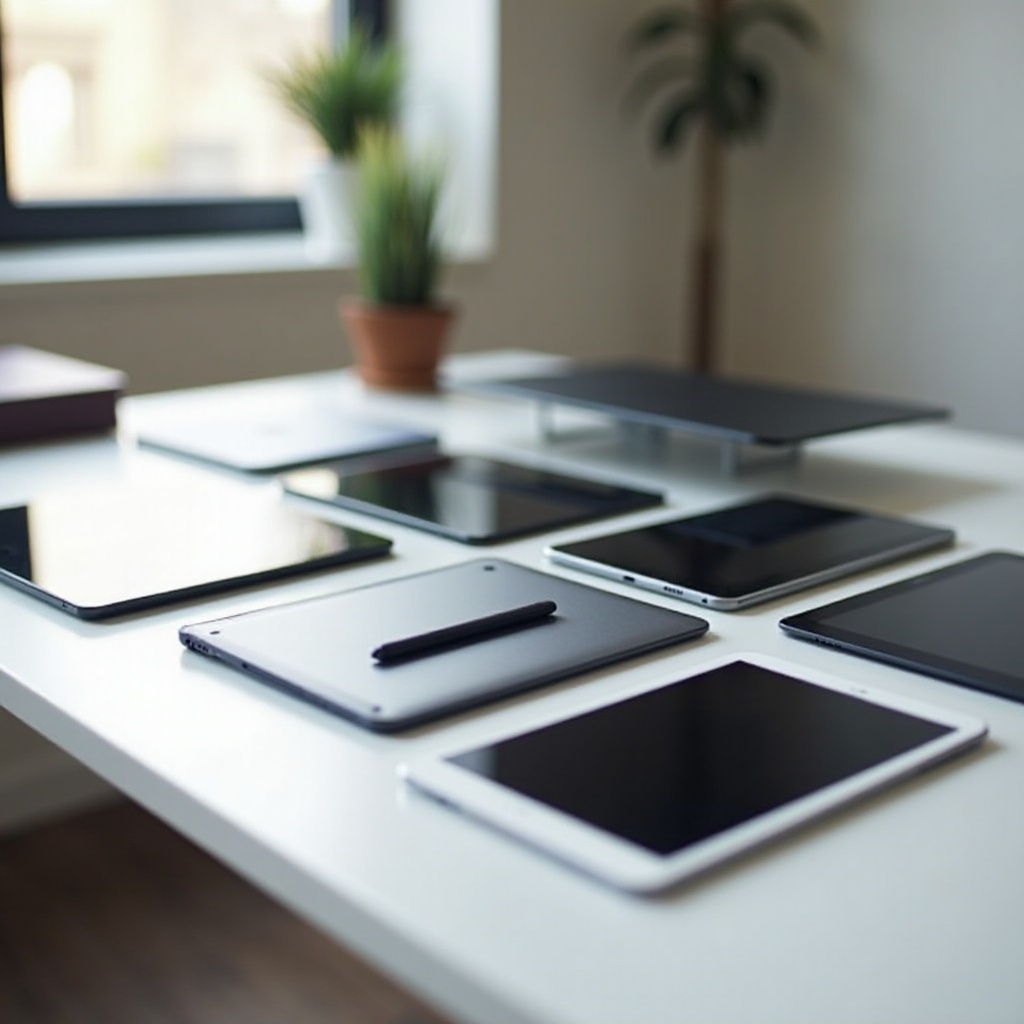
Comparing Features of Top Tablets
Deciding among these options requires a detailed look at key features. Display quality and size critically influence user experience, with Samsung and Lenovo offering superior visuals, while Microsoft adds versatility with a hybrid design. Performance and speed also differentiate these tablets; Samsung and Microsoft offer robust performance, and Amazon Fire focuses on practicality. Battery life determines convenience during travel, with Lenovo excelling in longevity. Finally, operating system compatibility is crucial for app ecosystem preference.
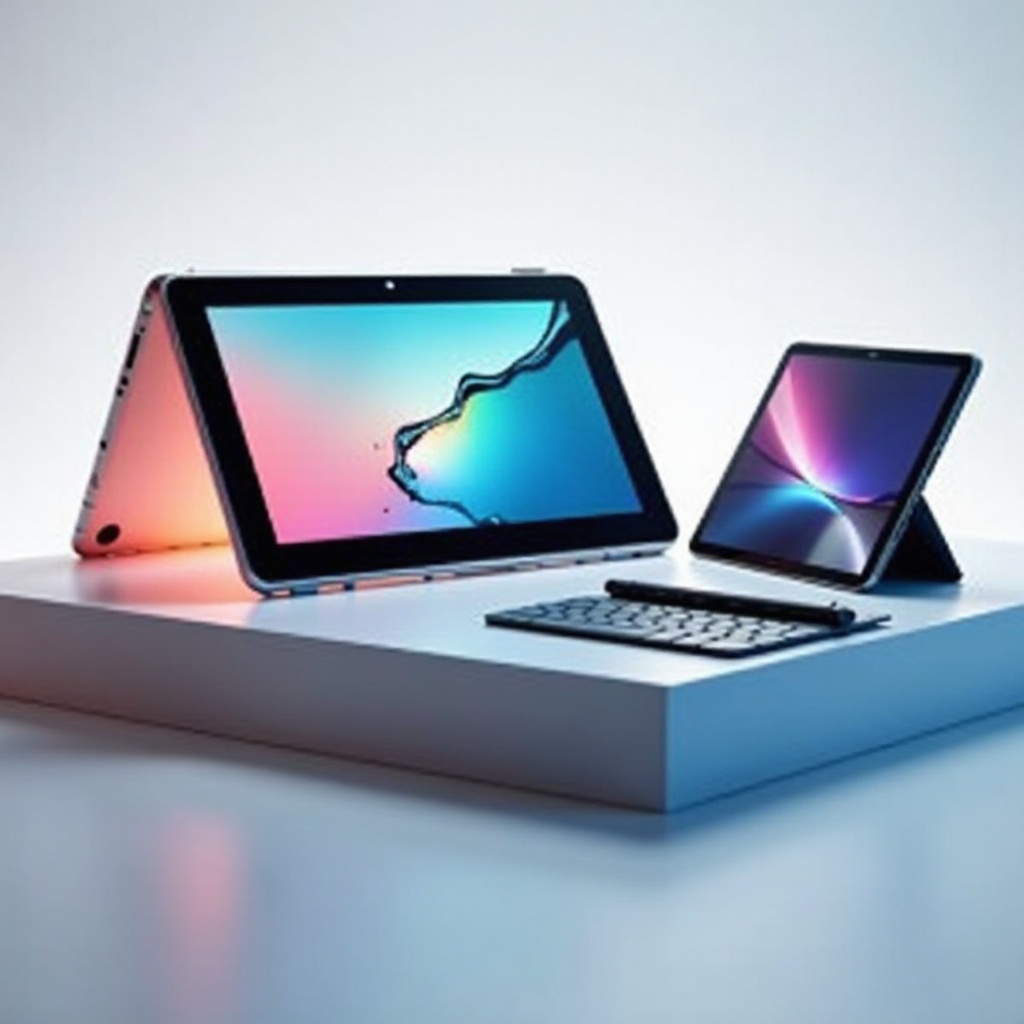
Specialized Tablets for Targeted Needs
Some tablets are designed for specific user groups, proving one-size-fits-all doesn’t apply here.
Tablets for Artists and Designers
For creatives, tablets boasting high stylus responsiveness are essential. The Samsung Galaxy Tab S9 and Microsoft Surface Pro 9 are exceptional choices, offering precision and sensitivity with their respective styluses.
Tablets for Kids
Kid-oriented tablets prioritize durability and parental controls. The Amazon Fire HD Kids Edition features a robust build, age-appropriate content, and parental control options to secure a child-friendly environment.
Tablets for Reading and Entertainment
For those who love reading and multimedia, display resolution and comfort are crucial. The Lenovo Tab P11 Pro with its top-tier visuals and Dolby-enhanced audio is unmatched, offering an immersive experience for both viewing and reading.
Conclusion
The vast selection of tablets can be overwhelming, but knowing your specific needs simplifies the choice. Whether prioritizing affordability, operating systems, or distinctive features like high-quality displays and stylus support, there are numerous alternatives to the iPad available. Identifying what’s most important to you, such as productivity, media capabilities, or budget, will lead you to your perfect tablet. Each of these highlighted tablets offers unique characteristics, ensuring compatibility with different user profiles, enhancing your digital lifestyle.
Frequently Asked Questions
What is the best budget tablet alternative to the iPad?
The Amazon Fire HD 10 is an excellent budget-friendly option, offering solid performance for everyday use without breaking the bank.
Can an Android tablet replace an iPad for professional use?
Absolutely, Android tablets like the Samsung Galaxy Tab S9 provide high performance, exceptional stylus support, and extensive multitasking capabilities.
Which tablet is best for creative professionals?
Creative professionals benefit most from the Samsung Galaxy Tab S9 and Microsoft Surface Pro 9, both offering remarkable stylus precision and robust performance.