Introduction
Charging your Kindle should be a simple task, yet it’s not always clear if it is charging efficiently due to its sleek and minimalist design. Recognizing when your Kindle is charging and implementing best practices is crucial for maintaining its battery health and ensuring optimal performance. This comprehensive guide will walk you through the clear indicators of your Kindle’s charging status, troubleshooting common problems, and practicing effective maintenance tips to extend battery life. By understanding these aspects, you’ll enhance your Kindle reading experience and device reliability.
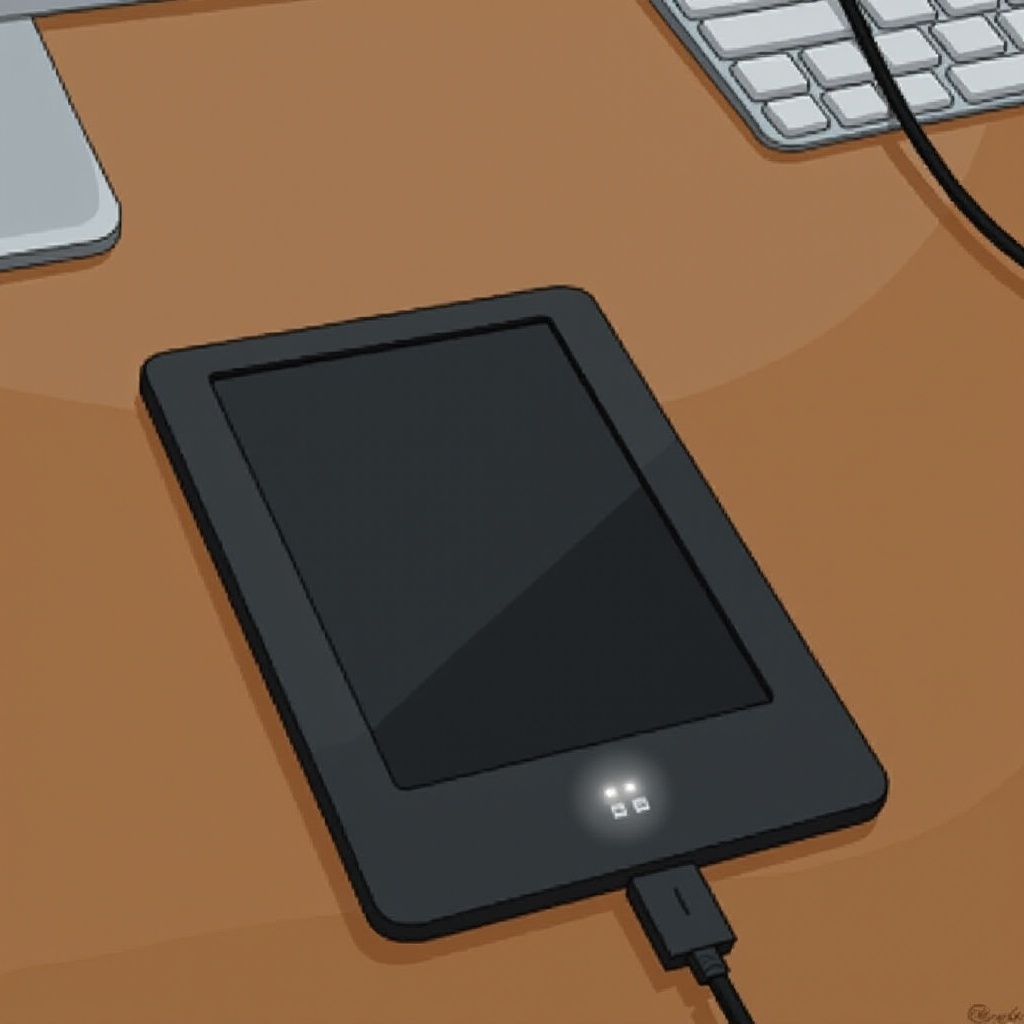
Understanding Kindle Charging Indicators
Each Kindle model offers a few intuitive indicators to help users determine its charging status. Although these indicators can differ slightly based on the model, they are designed to be straightforward, allowing users to quickly understand when the device is charging. Recognizing these indicators not only confirms effective charging but can also provide early detection of potential issues, saving time and effort down the line. Let’s explore these essential indicators and their significance in maintaining battery health.
Visual Signs Your Kindle is Charging
LED Light Signals
A primary indicator of your Kindle’s charging status is the LED light located near the charging port. Generally, when your Kindle is connected to a power source, an amber or orange light will illuminate, confirming that charging is ongoing. Once your Kindle reaches full charge, this light typically turns green, signaling completion. This simple color-coded system is an effective way to visually confirm your device’s charging state.
Display Screen Notifications
Beyond the LED, most Kindle models also provide on-screen notifications when connected to power. You may see a battery icon, occasionally adorned with a lightning bolt, that signifies the Kindle is drawing power from its charger. This immediate feedback is crucial for assuring users that their Kindle is charging correctly, without necessitating more complex diagnostic approaches.

How to Check Kindle Charging Status
Inspecting the Charging Cable and Port
Before delving into digital indicators, always check physical components first. Ensure your charging cable is securely attached both to the Kindle and the power source. Inspect the cable for any wear or damage, and examine the charging port for dust or debris that could obstruct the connection. A clean, well-maintained cable and port are pivotal for functional charging.
Observing Battery Icon Changes
Upon connecting your Kindle, observe the battery icon on your screen. If it transitions from a standard battery shape to one with a lightning bolt or increases in percentage, this indicates active charging. Monitoring these visual cues can help you ensure your device is charging properly without needing to rely solely on external indicators.

Maintaining Kindle Battery Longevity
Ensuring the longevity and performance of your Kindle’s battery isn’t just about proper charging; it’s about adhering to best practices. Regularly implementing these habits will extend your device’s lifespan and improve your overall experience:
- Avoid depleting the battery entirely before recharging. Recharging at about 20-30% can enhance battery life.
- Always use the charger that came with your Kindle or a reputable certified one. Unofficial chargers may risk damage to your Kindle.
- Store your Kindle in a temperature-controlled environment, avoiding extremes that can stress the battery.
- Regularly update your Kindle’s software to benefit from new power management features and optimizations.
By following these tips, you’re not only preserving the battery’s health but also ensuring your Kindle remains a reliable companion for your reading sessions.
Troubleshooting Kindle Charging Problems
Identifying Common Charging Issues
Even with technological advancements, charging issues can occur. Problems like the LED light not activating, lack of on-screen notifications, or the Kindle charging at a sluggish pace are common. These problems could arise from defective cables, ineffective power sources, or internal software glitches.
Solutions for Non-Charging Situations
When your Kindle refuses to charge, always start with basic checks. Try using a different power outlet or USB charger. If the issue continues, experiment with a new cable, ensuring compatibility and functionality. A Kindle reset can sometimes clear underlying processes that hinder charging. If none of these steps resolve the problem, reaching out to customer support may unveil more intricate hardware-related issues.
Conclusion
Understanding the charging indicators and maintaining best practices for your Kindle enhances both its lifespan and your reading experience. From recognizing LED signals and screen notifications to troubleshooting charging hiccups, every element contributes to a seamless Kindle usage experience. With this guide, you can keep your Kindle in prime condition, ready to deliver countless hours of reading pleasure.
Frequently Asked Questions
Why isn’t my Kindle’s LED light turning on?
The LED might not light up due to a faulty cable or insufficient power from the power source. Try a different charger or cable to resolve this issue.
Can I use any charger for my Kindle?
It’s advisable to use the charger that came with your Kindle or one approved by the manufacturer. Using an incorrect charger could damage the device.
What should I do if my Kindle charges slowly?
If your Kindle charges slowly, check the charging port for debris and try a different power outlet or cable. Slow charging might also suggest a need for battery replacement.