Introduction
Connecting Beats headphones to a PS5 can greatly enhance your gaming experience with superior audio quality. This guide provides detailed instructions on connecting your Beats headphones to your PS5, using both wired and wireless methods, so you can enjoy immersive sound during every gaming session.
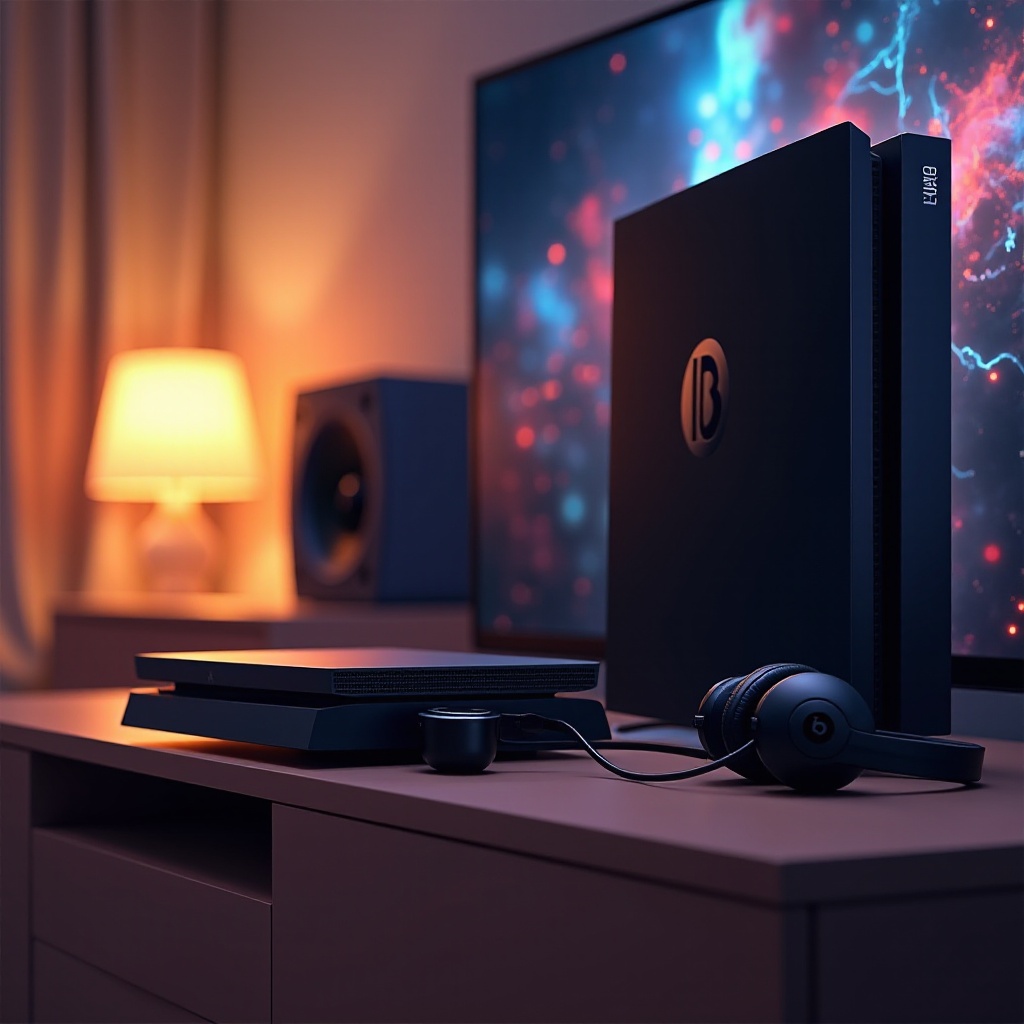
Understanding Beats and PS5 Compatibility
Knowing whether your Beats headphones are compatible with your PS5 is crucial before attempting to connect them. While the PS5 supports a variety of audio outputs, connecting Bluetooth headphones, like Beats, directly can pose challenges due to the console’s Bluetooth limitations.
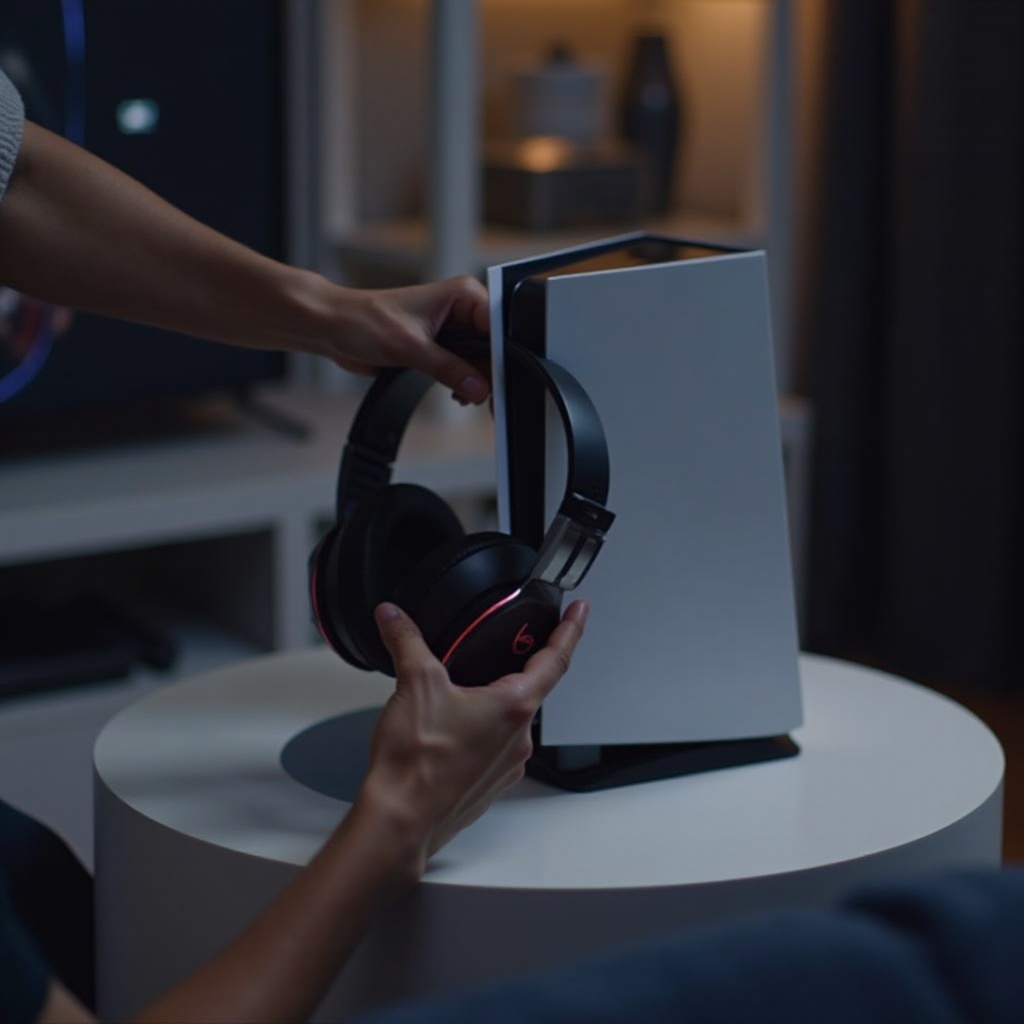
Wired Connection Setup
Using a wired connection with your Beats headphones is a straightforward method to achieve clear audio. Follow these steps to connect your Beats to the PS5:
- Required Cables and Adapters:
- Use a 3.5mm audio cable, typically included with Beats headphones.
-
If needed, acquire a USB-C to 3.5mm adapter for the PS5 controller.
-
Step-by-Step Connection Process:
- Attach the 3.5mm audio cable to your Beats headphones.
- Insert the cable’s other end into the PS5 DualSense controller’s headphone jack.
-
The PS5 usually recognizes the headphones automatically once connected.
-
Troubleshooting Wired Connections:
- Confirm that the cable is tightly connected and not damaged if audio issues occur.
- Check that the headphones are selected as the output device in the PS5’s audio settings.
Switching to wireless options presents additional potential but involves more complex setups and accessories compared to a wired connection.
Exploring Bluetooth Connection Options
To connect Beats wirelessly, a Bluetooth transmitter must be used due to the PS5’s lack of native Bluetooth support. Here’s how you can manage it:
- PS5 Bluetooth Limitations:
-
The PS5 doesn’t support direct Bluetooth headset connections, necessitating a compatible transmitter.
-
Using Bluetooth Transmitters:
- Select a Bluetooth adapter that works with the PS5.
- Connect the transmitter to the PS5’s USB port.
- Activate pairing mode on your Beats headphones.
-
Connect the headphones to the Bluetooth transmitter.
-
Pros and Cons of Wireless Connection:
- Pros: Enjoy freedom of movement without cables.
- Cons: The chance of audio lag, alongside the added cost and setup time.
After connecting your Beats, let’s focus on optimizing the overall audio experience by adjusting your device settings.
Enhancing Audio Experience on PS5
With your headphones connected, adjusting audio settings on your PS5 and headphones can significantly enhance your gaming experience. Here are some options:
- PS5 Audio Settings Configuration:
- Enter the PS5 settings menu and choose ‘Sound’.
-
Select the suitable audio output and balance headphone volume to maximize sound quality.
-
Utilizing Beats Audio Features:
- Use settings in any Beats app to adjust EQ and other sound preferences.
- Activate any noise-cancellation features for a more immersive experience.
Common Troubleshooting Tips
Even with the best setups, issues can occur. Here are some solutions for common problems:
- Audio Quality Issues:
-
Ensure all cables and connections are secure and check for firmware updates on both PS5 and Beats.
-
Connection Dropouts:
- Minimize obstacles and reset the Bluetooth connection if wireless issues persist.
When troubleshooting cannot resolve problems, consider seeking help from user forums or technical support.
Conclusion
Pairing your Beats headphones with your PS5 can elevate your gaming experience via superior audio performance. Whether you opt for a wired or wireless setup, the guidelines provided ensure a smooth connection process. Enjoy the immersive soundscapes of your favorite games with these expert tips and troubleshooting solutions.
Frequently Asked Questions
Can I use any Bluetooth adapter to connect my Beats to PS5?
Not all adapters work. Select one that supports audio transmission and is compatible with gaming consoles like the PS5.
Why is there a delay in audio when using wireless connections?
Bluetooth can be prone to latency. A high-quality adapter designed to minimize lag can help address this.
Are there any specific Beats models that work best with PS5?
Most models work, but over-ear versions like Beats Studio may offer better sound quality and comfort for extended gaming.