Introduction
Maximize the functionality of your Samsung phone with the right accessories. A stylus pen allows you to fully leverage your device’s capabilities, offering precision and ease in various tasks. Whether you’re jotting down notes, sketching designs, or navigating apps, a stylus can significantly enhance your interaction with your phone. This guide provides insights into why a stylus is invaluable and how to select the best one for your needs.
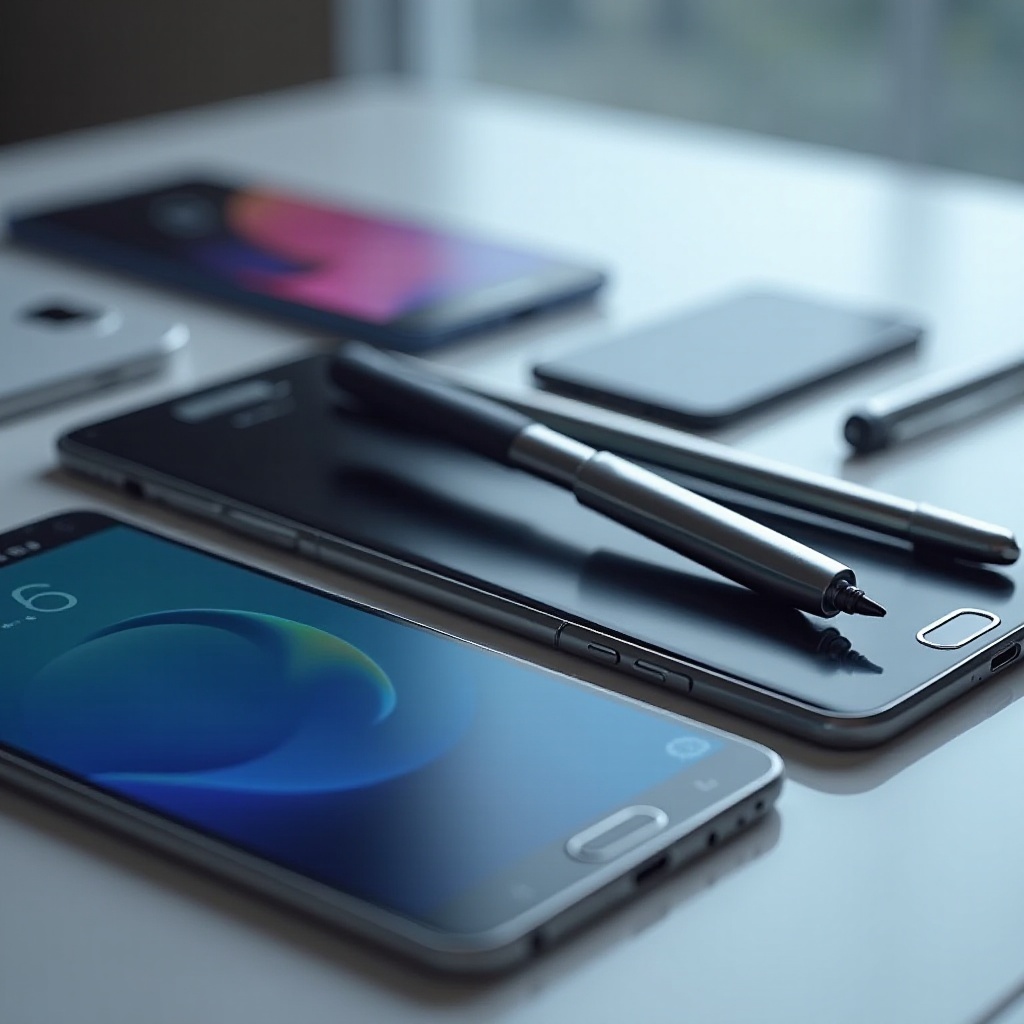
Why a Stylus Pen is Essential for Samsung Phones
Samsung’s sleek design and intuitive interface make it a popular choice for both professionals and casual users. A stylus pen complements these features by providing superior accuracy for diverse applications. For creative professionals, it enables intricate sketches and precise edits, while business users benefit from quick note-taking and signing digital documents with confidence. Beyond professional applications, a stylus pen enriches everyday tasks with smoother navigation and interaction. Transitioning to the next section, it’s essential to recognize which features are most critical in choosing a stylus.
Key Features to Look for in a Stylus Pen
Selecting the right stylus requires focusing on core features that influence performance and user experience:
-
Sensitivity and Precision: Choose a stylus offering adjustable pressure sensitivity for natural handwriting and detailed drawing.
-
Ergonomic Design: Opt for a pen that feels comfortable during prolonged use to prevent hand fatigue.
-
Battery Life and Connectivity: Look for rechargeable styluses with Bluetooth capabilities for better connectivity and longer use periods.
Understanding these features ensures your stylus aligns with your needs, setting the stage for exploring the best options available in 2024.
Best Stylus Pens for Samsung Phones in 2024
2024 brings several high-performance stylus pens, each offering unique advantages for Samsung phone users:
-
Samsung S Pen Pro: Specifically designed for Samsung devices, providing seamless synchronicity and superior pressure sensitivity.
-
Adonit Dash 5: Sought after for its simplicity and accuracy, offering a dependable battery life without the need for Bluetooth.
-
Wacom Bamboo Ink Plus: A versatile choice for creatives and professionals, featuring an ergonomic design and a fine nib for precision.
Exploring these options allows users to find a stylus that aligns with their specific use case, whether it be professional, creative, or casual.
How to Maximize Productivity with Your Stylus Pen
To fully leverage your stylus, apply these practical tips:
-
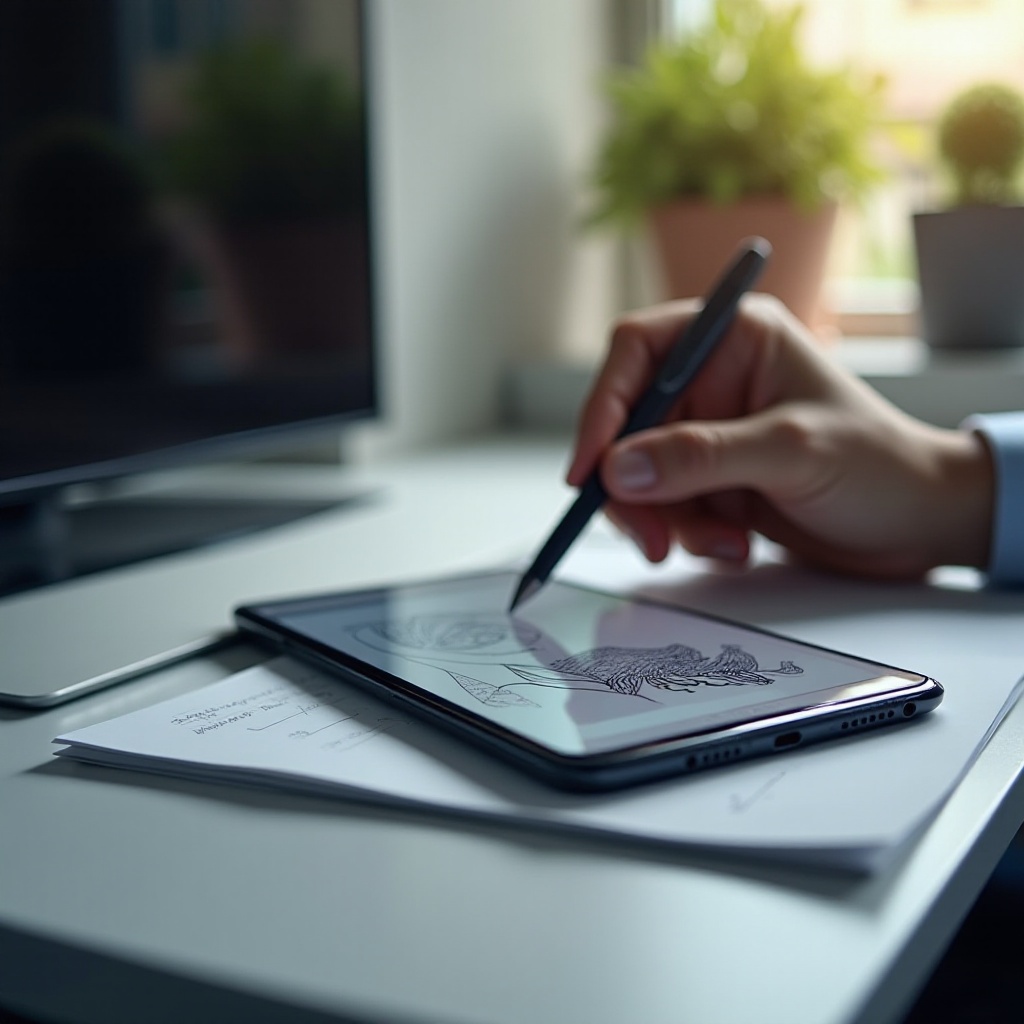
Note-taking Techniques: Capture thoughts and ideas with stylus-friendly apps like Samsung Notes, offering seamless organization.
-
Drawing and Design Tips: Use the pen’s pressure sensitivity feature to enhance your artwork; try platforms like Adobe Sketch for advanced capabilities.
-
Multitasking Hacks: Facilitate app navigation with stylus gestures and shortcuts, employing Samsung’s Air Command for task efficiency.
Incorporating these tips, the stylus becomes a powerful tool in enhancing productivity and creativity.
Maintaining and Caring for Your Stylus Pen
Proper care ensures the longevity of your stylus pen:
-
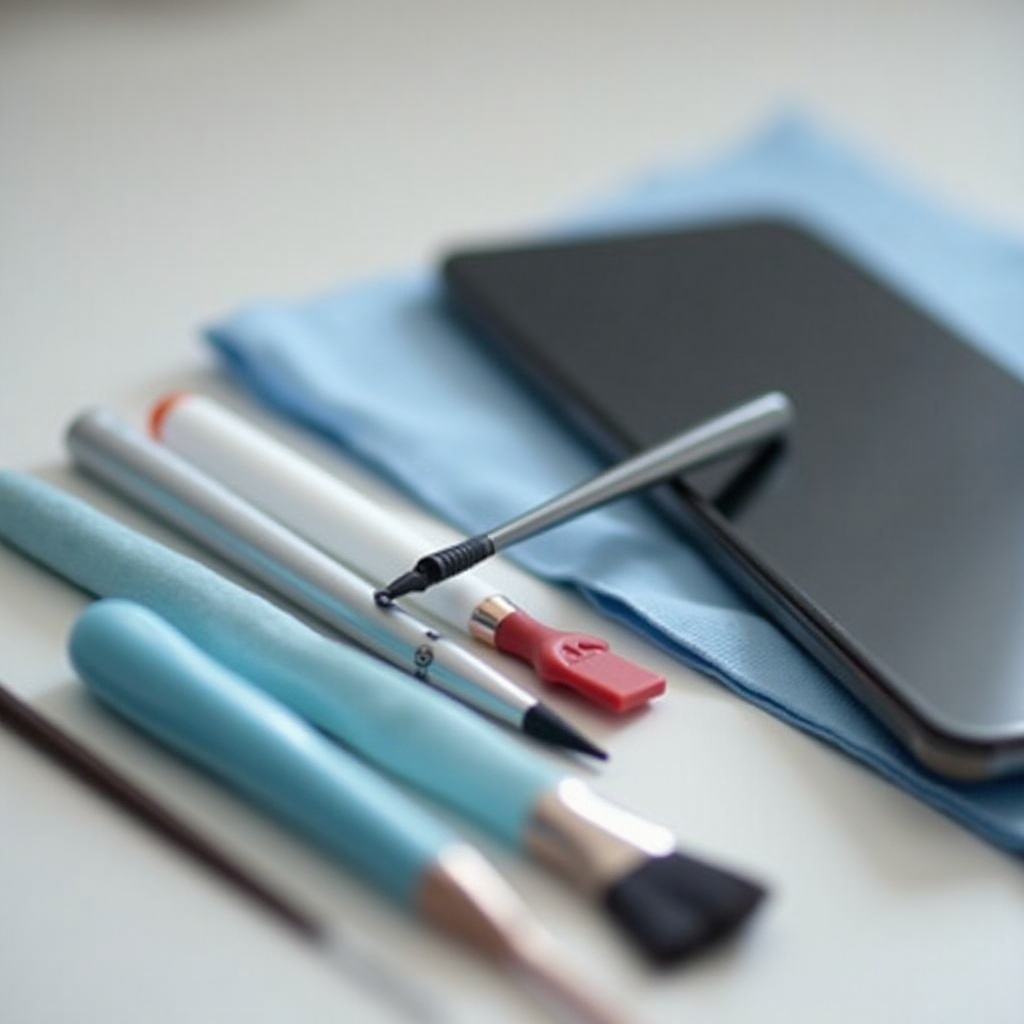
Cleaning Tips: Regularly clean your stylus with a microfiber cloth to eliminate dust and oils.
-
Storage Recommendations: Ensure safe storage to prevent damage and prolong use, keeping spare tips available for replacements.
Routine maintenance preserves your stylus’s functionality, ensuring it remains a reliable accessory in your daily tasks.
Conclusion
A stylus pen stands as an indispensable tool for Samsung phone users, enhancing both productivity and creativity. Understanding the right features, selecting top models, and applying practical usage tips will unleash the true potential of your device. Ensuring proper maintenance guarantees that your stylus will continue to enhance your user experience for years to come.
Frequently Asked Questions
What is the best stylus pen for Samsung Galaxy series?
The Samsung S Pen Pro is highly recommended for the Galaxy series due to its perfect compatibility and advanced features.
Can I use any stylus pen with my Samsung phone?
While many stylus pens may work with Samsung phones, opting for ones specifically designed for compatibility ensures the best functionality.
How do I connect a stylus pen to my Samsung device?
For stylus pens with Bluetooth, connect by turning on Bluetooth on your device, activating the stylus, and following the pairing instructions.