Introduction
Compass calibration on an iPhone is crucial for accurate navigation. The compass app utilizes GPS and a magnetometer sensor to determine your device’s orientation relative to Earth’s magnetic field. Without proper calibration, you could experience errors that affect everything from map navigation to augmented reality apps. By understanding and calibrating your iPhone compass, you can ensure it is reliable, whether you’re hiking in a remote area or navigating city streets.
Understanding Compass Calibration
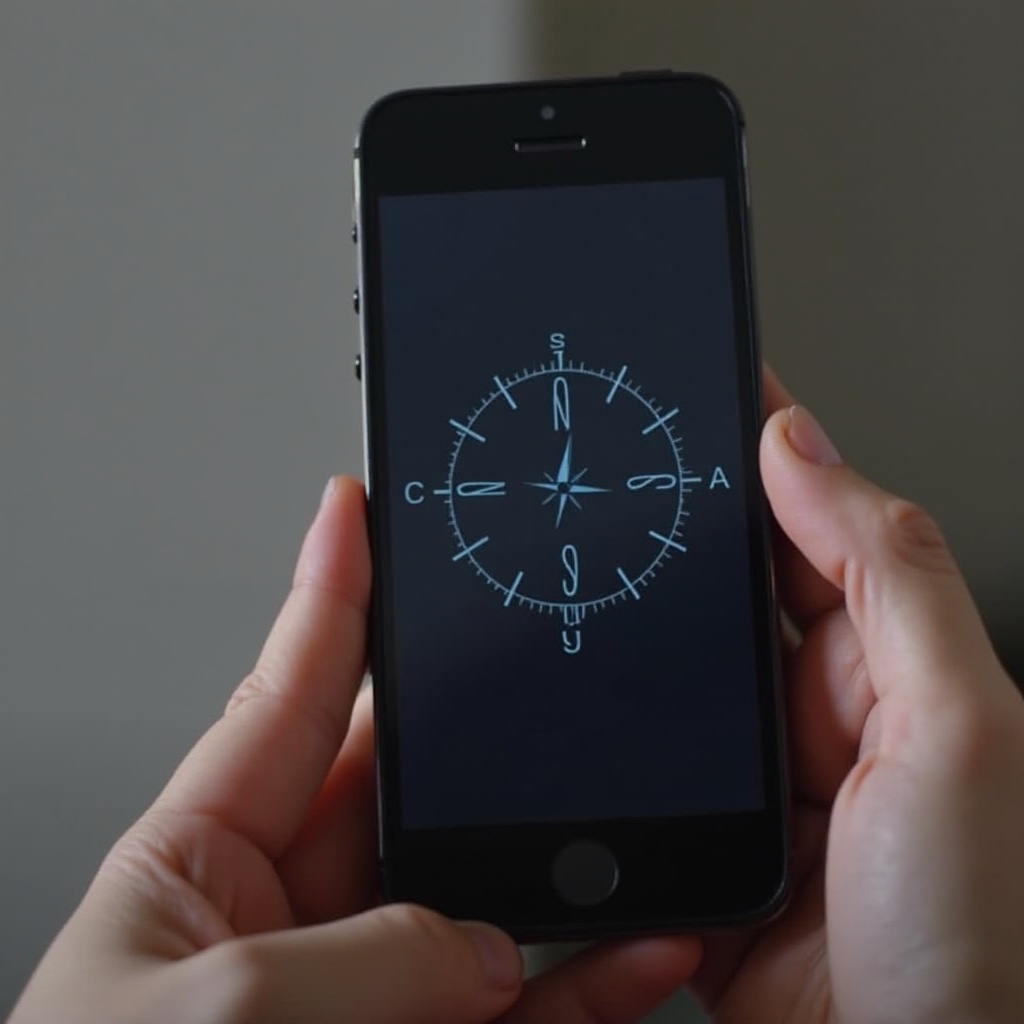
To fully understand the necessity of compass calibration on your iPhone, it is helpful to know what it involves. Calibration ensures the compass sensor is aligned correctly with Earth’s magnetic field. On an iPhone, the magnetometer measures both the Earth’s magnetic field and local anomalies caused by metal objects or electronic devices. Calibration is important because it adjusts the internal compass, ensuring accurate directional readings.
The calibration process involves steps that allow the iPhone’s compass to realign with Earth’s magnetic poles. This alignment ensures precise directional data, which is vital for apps that depend on location services.
Reasons Your iPhone’s Compass Needs Calibration
Various factors can necessitate compass calibration on your iPhone. Environmental influences like nearby metals, electronic devices, or geographic magnetic anomalies can disrupt your phone’s magnetic sensors. If you travel frequently or move through different magnetic zones, recalibration is essential for maintaining accuracy.
Additionally, inaccurate compass data can impact navigation apps and other related services. Ensuring your compass is correctly calibrated enhances performance for navigation tools, fitness trackers, and capturing photos with directional metadata.
How to Calibrate Compass on iPhone: A Step-by-Step Guide
Calibrating your iPhone compass is straightforward, whether the process is automatic or manual. Here is a guide to help you calibrate your device effectively:
- Automatic Calibration Process:
- Open the ‘Settings’ app on your iPhone.
- Go to ‘Privacy’ and select ‘Location Services.
- Scroll down to ‘System Services.
-
Make sure ‘Compass Calibration’ is enabled. This option allows your device to automatically recalibrate using motion data.
-
Manual Calibration Steps:
- Open the Compass app on your iPhone.
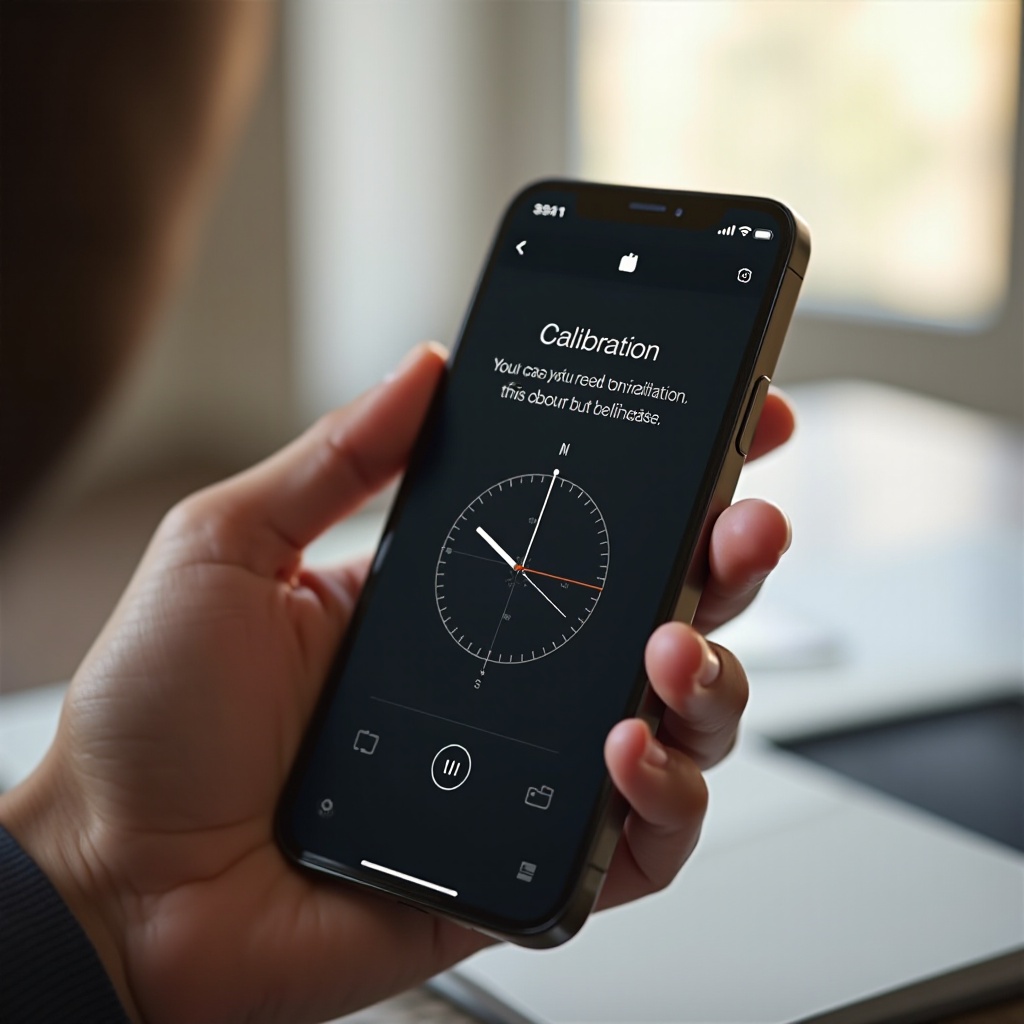
- If calibration is needed, a prompt will appear, directing you to tilt your phone until a red ball traces the circle on the screen.
- Rotate your phone in a figure-eight motion to reset the sensor.
Consistent calibration allows your compass to accommodate new environments, enhancing precision in navigational tasks.
Troubleshooting Compass Calibration Issues
Even after calibration, you might experience issues with your iPhone compass. If complications arise, they might result from interference with nearby magnetic fields. Here are some troubleshooting tips:
- Common Calibration Errors:
- The compass fails to update directions.
-
The compass shows incorrect headings or directional errors.
-
Effective Solutions and Fixes:
- Remove any metal cases or attachments from your iPhone.
- Calibrate your compass away from large metal objects or electronic equipment.
- Restart your iPhone to reset its internal sensors if problems persist.
These measures help minimize disruptions and ensure your compass remains a reliable tool for navigation.
Tips for Maintaining Compass Accuracy on Your iPhone
Maintaining your iPhone compass’s accuracy requires proactive measures. Here are some effective tips:
- Keep the ‘Compass Calibration’ setting enabled in your device settings.
- Regularly perform calibration, particularly following significant travel or hardware changes.
- Use third-party apps to complement the compass. Apps like ‘GPS Status & Toolbox’ offer manual recalibration and additional diagnostic tools.
A well-calibrated compass optimizes performance for all apps that rely on your phone’s directional data, ensuring confidence in your device’s ability to provide precise navigational information.
Conclusion
In summary, compass calibration on your iPhone is essential for optimal navigation and related app performance. Regular calibration ensures your device provides accurate directions, avoiding navigation errors. By understanding and consistently calibrating your iPhone’s compass, you can guarantee reliable and precise location data, whether exploring the great outdoors or navigating busy urban environments.
Frequently Asked Questions
How often should I calibrate my iPhone compass?
Calibrate your iPhone compass whenever you notice directional inaccuracies. Regular calibration, especially after traveling, helps maintain accuracy.
Can third-party apps help with compass calibration?
Yes, third-party apps can assist with calibration and provide additional tools and diagnostics to enhance compass accuracy.
What to do if the compass is still inaccurate after calibration?
Ensure there’s no interference from metal objects, remove any metallic cases, restart your iPhone, and try recalibrating in a different location.