Introduction
JBL speakers are renowned for their high-quality sound and user-friendly Bluetooth connectivity. Connecting your JBL speaker via Bluetooth allows you to enjoy wireless audio anywhere, be it at home, on the go, or during a party. This guide will help you navigate the process of finding and connecting your JBL speaker to any Bluetooth-capable device, troubleshoot connection issues, and optimize the speaker’s performance for the best possible sound experience.
Understanding Bluetooth Technology and JBL Speakers
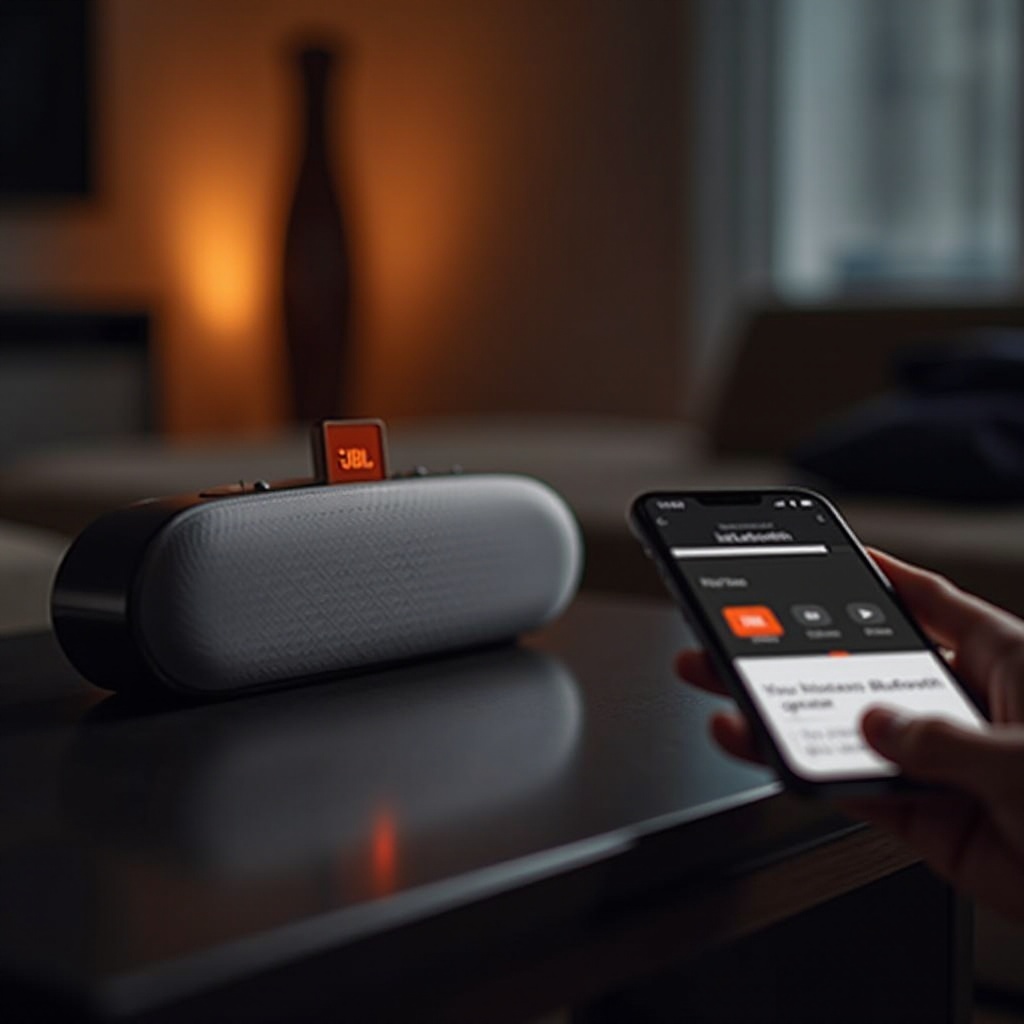
Bluetooth technology facilitates wireless communication between devices, eliminating the need for cables. It’s an essential feature in modern audio devices such as JBL speakers, allowing seamless music streaming from your smartphone, tablet, or computer. When you start up your JBL speaker, it sends out a signal to nearby devices, ready to establish a connection. Understanding this process is the first step toward mastering your JBL speaker’s capabilities.
Once you grasp how Bluetooth works with your JBL speaker, you’re ready to proceed with setting up your device for pairing.
Preparing Your JBL Speaker for Bluetooth Pairing
Successful Bluetooth pairing starts with preparing your JBL speaker. Here are the steps you need to follow:
- Fully Charge Your Speaker: Use the charger provided to ensure your JBL speaker is fully powered. Full charge helps prevent interruptions during playtime.
- Power On Your Speaker: Press the power button. Look for the LED indicator to ensure the speaker is on.
- Activate Bluetooth Mode: Locate and press the Bluetooth button on your speaker. The indicator light should blink, signaling readiness to pair.
With your JBL speaker set, the next step involves connecting it to your Bluetooth device.
How to Connect Your Device to a JBL Speaker
Connecting your device to a JBL speaker can be done in a few simple steps:
- Turn On Bluetooth: Go to the settings on your phone or device and activate Bluetooth.
- Locate Your JBL Speaker: Allow the device to search for available connections. Your JBL speaker, identifiable by its name, should appear on the list.
- Select and Pair: Tap on your JBL speaker’s name in the list to initiate pairing. Follow any prompts to confirm the connection.
Once paired, your device will remember the JBL speaker for future automatic connections. However, if you face hurdles connecting your JBL speaker, the next section on troubleshooting provides practical solutions.
Troubleshooting Common Bluetooth Connectivity Issues
Sometimes, connecting a JBL speaker via Bluetooth may not work perfectly. Here are solutions to common connectivity issues:
- Speaker Won’t Pair: Ensure that the Bluetooth LED is blinking. If not, press the Bluetooth button again until it does.
- Device Incompatibility: Check the device compatibility with your JBL speaker and installed firmware updates.
- Remove Stored Connections: Delete the speaker from your device’s Bluetooth memory and try reconnecting.
- Restart Your Device: A simple restart of your phone or tablet may solve temporary glitches affecting Bluetooth performance.
- Clear Cache: Clear the Bluetooth cache on your device to eliminate any corrupted data disrupting connectivity.
With these troubleshooting tips, most connection issues can be resolved, allowing you to fully enjoy your JBL speaker’s wireless capabilities. Now, we’ll look at maximizing your speaker’s performance for an optimal audio experience.
Maximizing Your JBL Speaker’s Bluetooth Performance
To enhance your listening experience with your JBL speaker, follow these performance-boosting tips:
- Proper Speaker Placement: Position your speaker and device close to each other, without barriers that could obstruct the Bluetooth signal.
- Limit Interference: Keep other wireless devices like Wi-Fi routers and cordless phones at a safe distance to minimize interference.
- Keep Devices Updated: Regularly update the firmware on both your JBL speaker and Bluetooth device to ensure compatibility and performance.
- Explore Audio Settings: Use any available equalizer settings and audio enhancements to tailor the sound to your preference.
Implementing these strategies will help you get the most out of your JBL speaker, delivering high-quality sound and reliable Bluetooth connectivity.
Conclusion
Connecting your JBL speaker via Bluetooth can enhance your listening experience by providing excellent mobility and freedom. By following this comprehensive guide, you can easily connect your devices, troubleshoot common issues, and optimize your speaker’s performance for the ultimate sound experience. Embrace the freedom of wireless audio and enjoy high-fidelity sound with your JBL speaker, no matter where you are.
Frequently Asked Questions
Why isn’t my JBL speaker showing up in the Bluetooth list?
Ensure your JBL speaker is in pairing mode, indicated by a flashing Bluetooth LED. If it isn’t, press and hold the Bluetooth button again.
How do I reset my JBL speaker’s Bluetooth connection?
To reset, simply turn off the speaker and press the Bluetooth button until the light flashes to restart the pairing process.
Can I connect multiple devices to my JBL speaker at once?
JBL speakers typically pair with one device at a time. However, features like JBL Connect+ allow for connecting multiple JBL speakers together to enhance the audio experience.