Introduction
Connecting your Sonos speaker to your TV can revolutionize your home entertainment setup. If you’ve pondered, ‘Can I connect Sonos to my TV?’ you’re in the right place. This guide walks you through the process, from ensuring compatibility to troubleshooting potential issues, ensuring you enjoy superior audio quality. Let’s delve into the specifics of how to achieve this seamless integration.
Understanding Sonos Speaker Compatibility
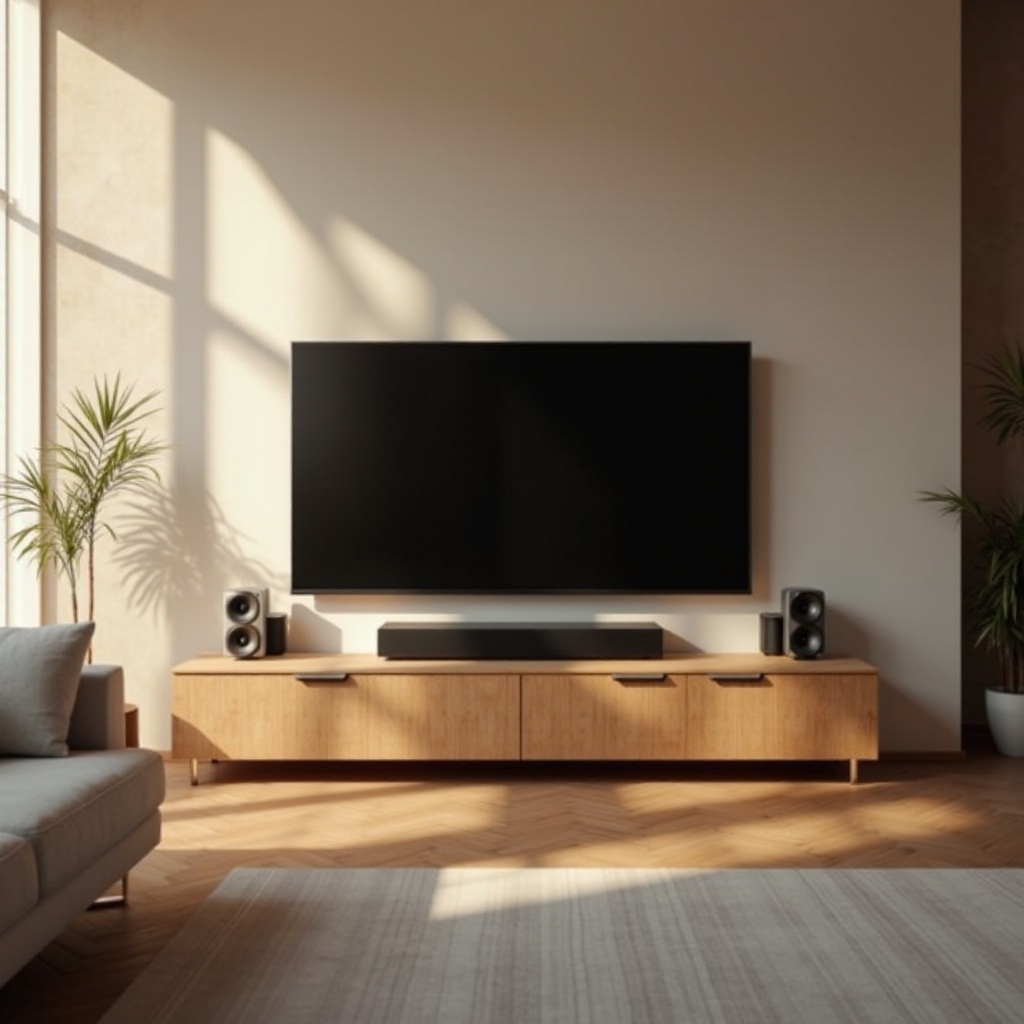
Before making any connections, check if your Sonos speaker is designed for TV use. Models like the Sonos Arc and Sonos Beam are equipped for such setup, often including features such as HDMI ARC support. Verify your TV settings and ports, and compare them with the specifications of your Sonos model to ensure they’re compatible. This step ensures a smooth setup process without hiccups.
Once you’ve established compatibility, you can choose a connection method tailored to your home setup.
Step-by-Step Guide to Connecting Sonos to Your TV
There are several methods available to link your Sonos speaker to your TV. Here are some effective options:
- Using HDMI ARC:
- Identify the HDMI ARC port on your TV and Sonos speaker.
- Use a high-speed HDMI cable to connect the two devices securely.
-
Access your TV settings to enable audio output through the ARC connection.
-
Connecting with Optical Adapter:
- For TVs without HDMI ARC, utilize an optical cable connected to an adapter if required.
- Connect one end to the TV’s optical output, and the other to your Sonos device.
-
Adjust the TV settings to route audio through the optical connection.
-
Wireless Connection Options:
- Download the Sonos app on a mobile device. Connect the app to your Wi-Fi.
- Use the app to link the Sonos speaker to your network.
- Stream audio wirelessly through compatible services as long as your TV supports it.
After setting up, it is normal to encounter challenges such as syncing issues or lack of sound. In the next section, we address these common problems.
Troubleshooting Common Connection Issues
Despite successful connections, there might be some difficulties. Here are some typical problems and their solutions:
-
Audio Syncing Problems:
Adjust audio delay settings on either your TV or Sonos app to resolve lip-sync issues, ensuring the sound matches video playback. -
No Sound from Sonos Speakers:
Verify your TV’s audio output settings and check all cables to make sure everything is correctly connected and set to the correct source. -
Ensuring Reliability in Wireless Connections:
Minimize interference by keeping devices on the same network and ensuring minimal network congestion, as heavy traffic can disrupt signals.
Once these issues are under control, focus on enhancing your audio quality for optimal sound.
Best Practices for Optimal Sound Quality
To maximize your Sonos system’s potential, focus on proper setup and settings adjustments:
-
Speaker Placement Tips:
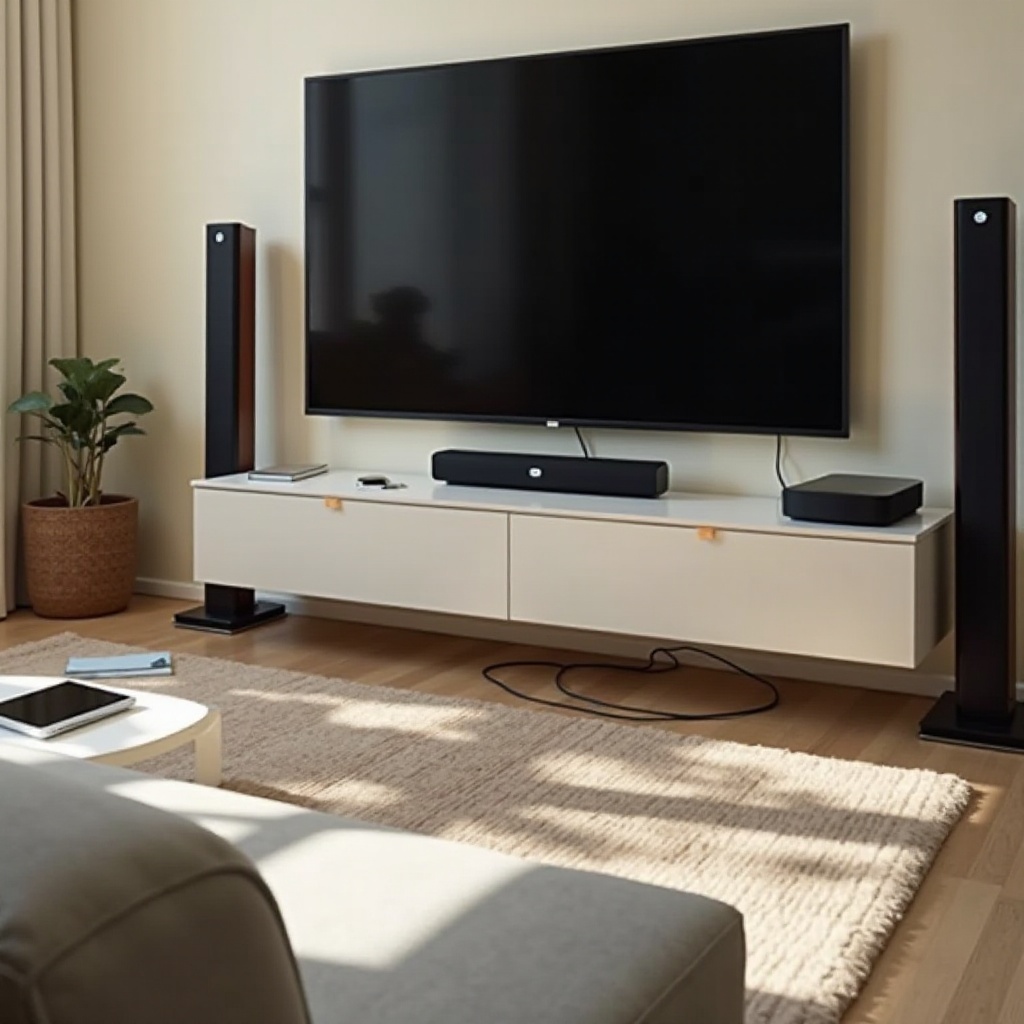
Position Sonos speakers at roughly ear height when seated and ensure they’re not obstructed for the best sound distribution. -
Enhancing TV Audio Settings:
Fine-tune the audio settings on your TV; explore equalizer settings and presets such as movie or game modes to match content appropriately.
Adapting these practices will fine-tune your setup, delivering a richer sound experience. Let’s conclude the guide with a summary to reinforce these insights.
Conclusion
Integrating your Sonos speaker with your TV paves the way for a superior entertainment setup. By confirming compatibility, selecting the best connection method, and troubleshooting effectively, you can greatly enhance your audio experience. Dive into a world of immersive sound, using this guide to navigate any obstacles in the setup process.
Frequently Asked Questions
Can I connect my Sonos speaker to any TV model?
While most modern TVs should have the required outputs, always verify that your particular TV model has compatible connections for your Sonos speaker.
Do I need additional cables or adapters for the connection?
Some setups may require HDMI or optical cables. Often, Sonos systems come with necessary cables for home theater configurations.
How can I improve wireless connectivity between my TV and Sonos?
Ensure both devices are on the same network and try to position them to avoid obstructions that could interfere with the Wi-Fi signal.