Charging your JBL wireless headphones correctly can significantly enhance their performance and lifespan. These headphones are well-loved for their superior sound quality and comfort, but none of that matters if you can’t keep them charged. Here’s a detailed guide on how to charge your JBL headphones efficiently and maintain their battery health for the long term.
Understanding JBL Wireless Headphones Battery Technology
Before diving into charging instructions, it’s essential to understand the battery technology within JBL headphones. Typically, these devices use lithium-ion batteries, known for their efficiency and longevity. They offer high energy density, allowing them to hold a charge longer and function effectively over hundreds of charging cycles. Familiarity with these batteries can help you optimize your charging habits, prolonging the battery life and ensuring consistent performance.
Essential Charging Equipment for JBL Headphones
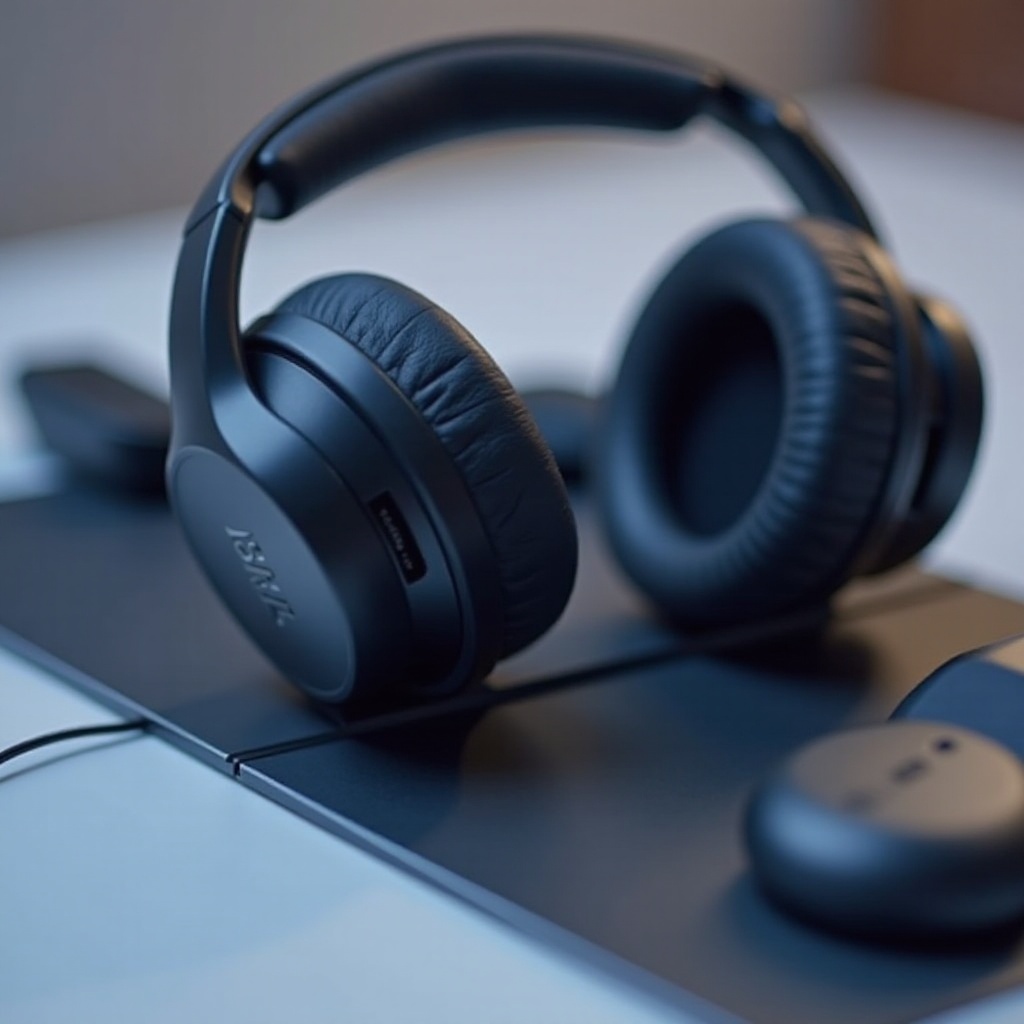
Equipping yourself with the right tools is crucial for effective charging. Start with the original USB charging cable that accompanied your headphones. This cable is calibrated for the device’s power requirements, reducing the risk of issues like overheating. Additionally, ensure a reliable power source, such as wall adapters certified for use with electronic devices or your computer’s USB port. If you need a substitute cable, choose one that matches JBL’s specifications to prevent charging problems. With the right equipment ready, proceed with the charging steps.
Step-by-Step Guide to Charging JBL Headphones
Charging your JBL headphones involves a straightforward routine that ensures they charge safely and efficiently:
- Prepare your headphones by ensuring the charging port is free of dust and debris.
- Connect the USB charging cable to the appropriate port on your headphones and the other end to a power source.
- Watch for the charge indicators. Most models show a red LED light when charging and a green light when fully charged.
- Allow the headphones to charge completely, which typically takes one to two hours, depending on the model.
These steps make sure your headphones receive the right amount of charge, safeguarding their battery.
Best Practices for Extending Battery Life
Maintaining your headphone’s battery health is key to getting the most use out of them:
- Charge them regularly without letting the battery fall to zero.
- Avoid overcharging by disconnecting them once fully charged.
- Store and charge them in a cool, dry environment to prevent damage.
Following these practices helps extend your headphones’ battery life, ensuring they remain reliable and efficient for much longer.
Troubleshooting Common Charging Issues
Charging issues can occur even with the best intentions. Here’s how to address frequent problems:
- If the charging light doesn’t turn on, check your cable connections and power source. Try a different USB port or power outlet.
- If the charging takes too long, consider using another compatible cable.
- If the battery depletes quickly, reset the headphones and check for any pending software updates.
Addressing these issues promptly will help keep your headphones functioning smoothly.
Conclusion
In conclusion, mastering the charging process for your JBL headphones extends their usability and ensures exceptional performance. Proper charging habits, combined with a good understanding of the battery technology, and best practices for maintenance, contribute to the longevity of your headphones. Take these insights to heart, and enjoy uninterrupted, high-quality sound from your JBL headphones for years to come.
Frequently Asked Questions
How long does it take to fully charge JBL wireless headphones?
Typically, JBL wireless headphones take about one to two hours to fully charge, depending on the model.
Can I use any USB cable to charge my JBL headphones?
It’s best to use the original USB cable or a replacement that meets JBL’s specifications to ensure optimal charging.
What should I do if my JBL headphones aren’t holding a charge?
Ensure the charging cable and power source are functioning. If the problem persists, consider resetting the headphones or seeking technical support.