Introduction
Tozo earbuds offer an outstanding blend of affordability and sound quality, but they aren’t without their faults. One common issue many users face is when the earbuds refuse to charge. This problem can disrupt your listening experience and is often met with frustration. Identifying the causes behind charging issues can help you quickly rectify the problem and extend the life of your earbuds.
Common Causes of Charging Issues
There are several reasons why your Tozo earbuds might not be charging. Identifying the specific cause can direct you toward the appropriate solution.
– Problems with Charging Accessories: A faulty or incompatible charging cable or adapter may impede the charging process. It’s vital to ensure these accessories are in good working condition and properly connected.
– Dirty or Damaged Charging Contacts: Accumulated dirt and grime on charging contacts can obstruct the flow of electricity. This buildup prevents efficient charging and might require careful cleaning.
– Software and Firmware Glitches: Sometimes the issue lies in the earbuds’ software or firmware, causing communication problems with the charging case.
Upon identifying these potential issues, you’ll be better equipped to determine which solutions might be most effective.
Preliminary Troubleshooting Steps
Before diving into more complex solutions, start with basic troubleshooting methods. These can often resolve minor issues without further intervention.
1. Check the Charging Cable and Adapter: Ensure these components are connected correctly and undamaged. Trying a different compatible cable or adapter can help determine if the original ones are at fault.
2. Verify the Connection and Positioning in the Case: Make sure the earbuds are properly seated in the charging case. Misalignment can prevent the earbuds from charging.
3. Inspect the Charging Case for Damage: Examine the case for any visible damage, such as cracks or loose connectors, which might affect charging.
These initial steps can often address minor problems and restore your earbuds to normal functionality.
Effective Cleaning Techniques
Maintaining clean earbuds not only ensures performance but also prolongs their lifespan. Charging issues can often be resolved through effective cleaning.
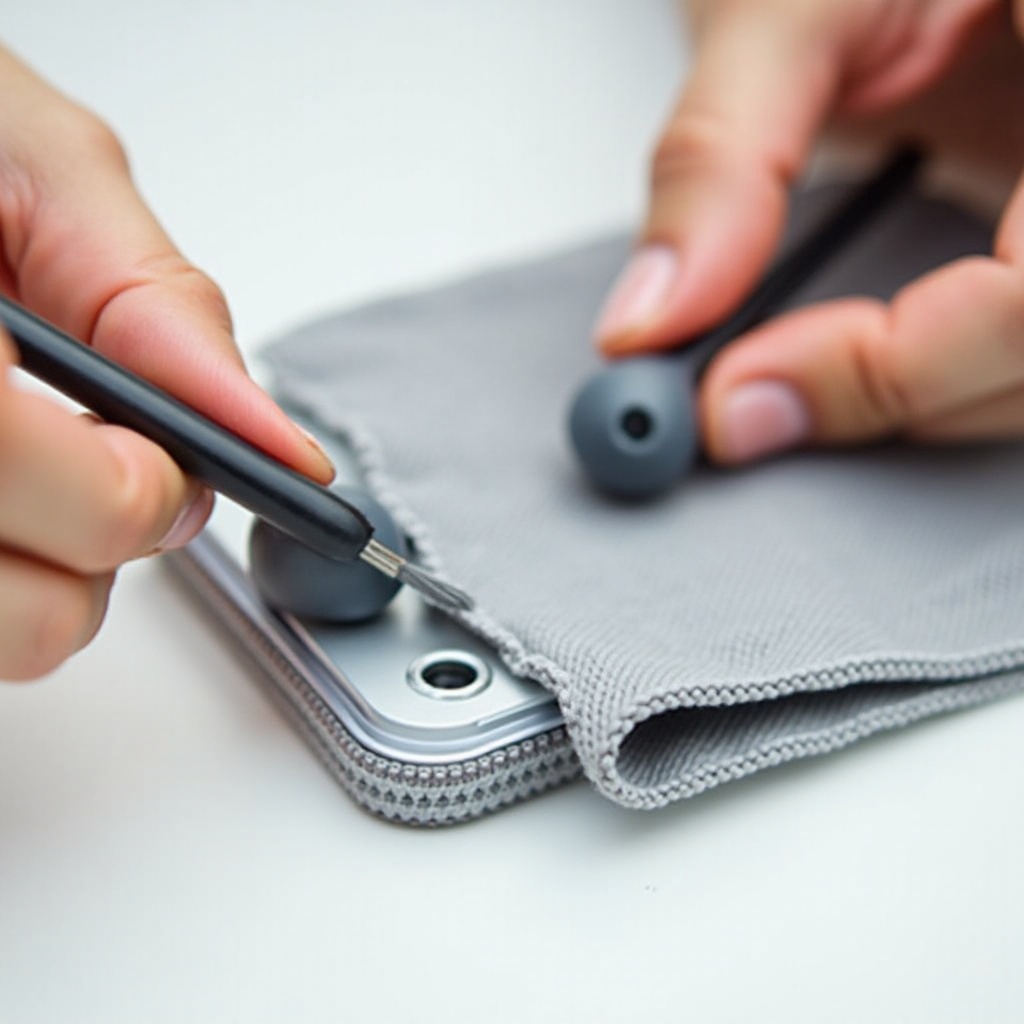
– Safe Methods for Cleaning Charging Contacts: Use a cotton swab dipped in isopropyl alcohol to gently clean the contacts on both the earbuds and inside the case. Ensure everything is completely dry before recharging.
– Regular Maintenance Tips: Regularly clean your earbuds and case to prevent debris build-up, which can impair functionality.
Routine maintenance can significantly reduce the occurrence of charging problems.
Software Solutions for Charging Problems
Tozo earbuds rely heavily on software, so addressing software issues can be crucial for resolving charging problems.
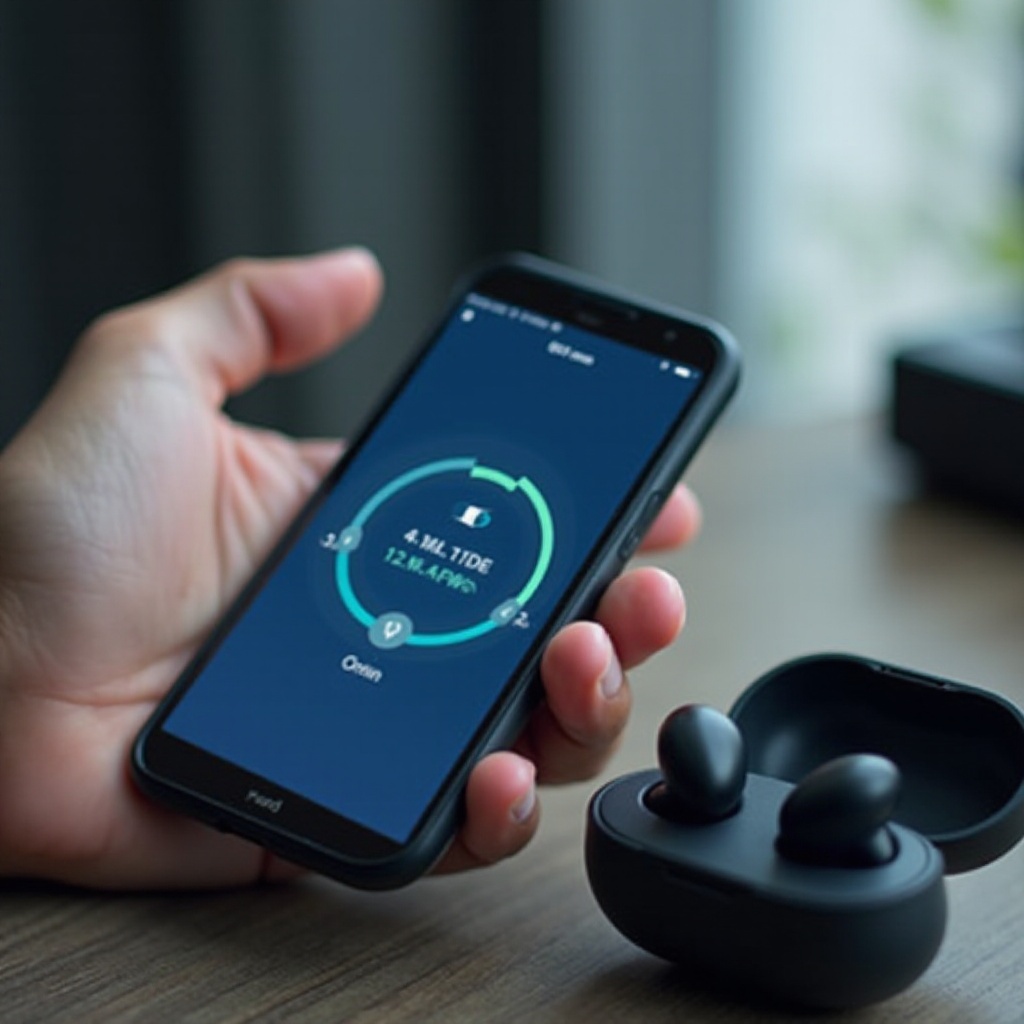
– Updating Firmware on Tozo Earbuds: Ensure your earbuds have the latest firmware. Updates can fix bugs that potentially block charging. Refer to the user manual or the manufacturer’s website for guidance on updates.
– Resetting the Earbuds to Factory Settings: Often, a factory reset can resolve persistent software issues. Refer to the user manual for precise reset instructions, but remember that this will remove paired devices and settings.
Employing these software solutions can often resolve or mitigate charging problems, allowing your earbuds to function as intended.
Advanced Troubleshooting and Repair Options
If the basic troubleshooting steps do not resolve the problem, then more advanced solutions may be required.
– Identifying Internal Battery Issues: In some cases, the issue might be with the earbuds’ battery itself. When diagnosing battery problems, consider professional repair services to avoid warranty voiding.
– When to Contact Tozo Support or Consider Replacement: If all troubleshooting efforts fail, contacting Tozo customer support can provide additional options. They can assist in identifying whether a warranty replacement is possible.
Knowing when to escalate the issue to a professional can save time and effort in getting your earbuds back to perfect working order.
Conclusion
Charging problems with Tozo earbuds don’t need to be long-term issues. By understanding the potential causes and implementing the right troubleshooting steps, users can often resolve these issues efficiently. From checking accessories to cleaning contacts and addressing software glitches, these strategies can help restore your earbuds to full capability. Remember, professional support is available if needed.
Frequently Asked Questions
What should I do if my Tozo earbuds still aren’t charging after following these steps?
If issues persist, contact Tozo support for further assistance or consider warranty options for repair or replacement.
How do I properly clean my Tozo earbuds to avoid charging issues?
Use a cotton swab with isopropyl alcohol to clean charging contacts, ensuring they are completely dry before use.
Is there a warranty on Tozo earbuds that covers charging problems?
Tozo typically offers a limited warranty, but details can vary. Check the warranty specifics provided with your purchase.