Introduction
JBL headphones offer exceptional sound quality and are favored by many for their resilience and performance. However, encountering issues such as the charging light not staying on can be perplexing and hinder everyday use. This problem might signal various underlying malfunctions that need addressing promptly to maintain the headphones’ longevity and peak performance.
In this comprehensive guide, we’ll delve into the potential reasons behind this issue and provide clear solutions to get your JBL headphones back in top working order. By understanding these causes and solutions, you ensure continued music enjoyment without unnecessary interruptions.
Understanding JBL Headphones Charging Lights
Charging indicators on JBL headphones are crucial for conveying the charging status of your device. These small lights simplify keeping track of whether your headphones are charging, fully charged, or facing an issue. Usually, a solid light confirms full charge, while a blinking or absent light could suggest a problem.
Being familiar with what these signals mean helps prevent unnecessary alarm and facilitates effective problem-solving. For example, a red light might simply indicate a low battery, whereas no light might point to a connection issue. This foundational knowledge aids in identifying and solving potential headaches swiftly.
Common Causes of Charging Light Issues
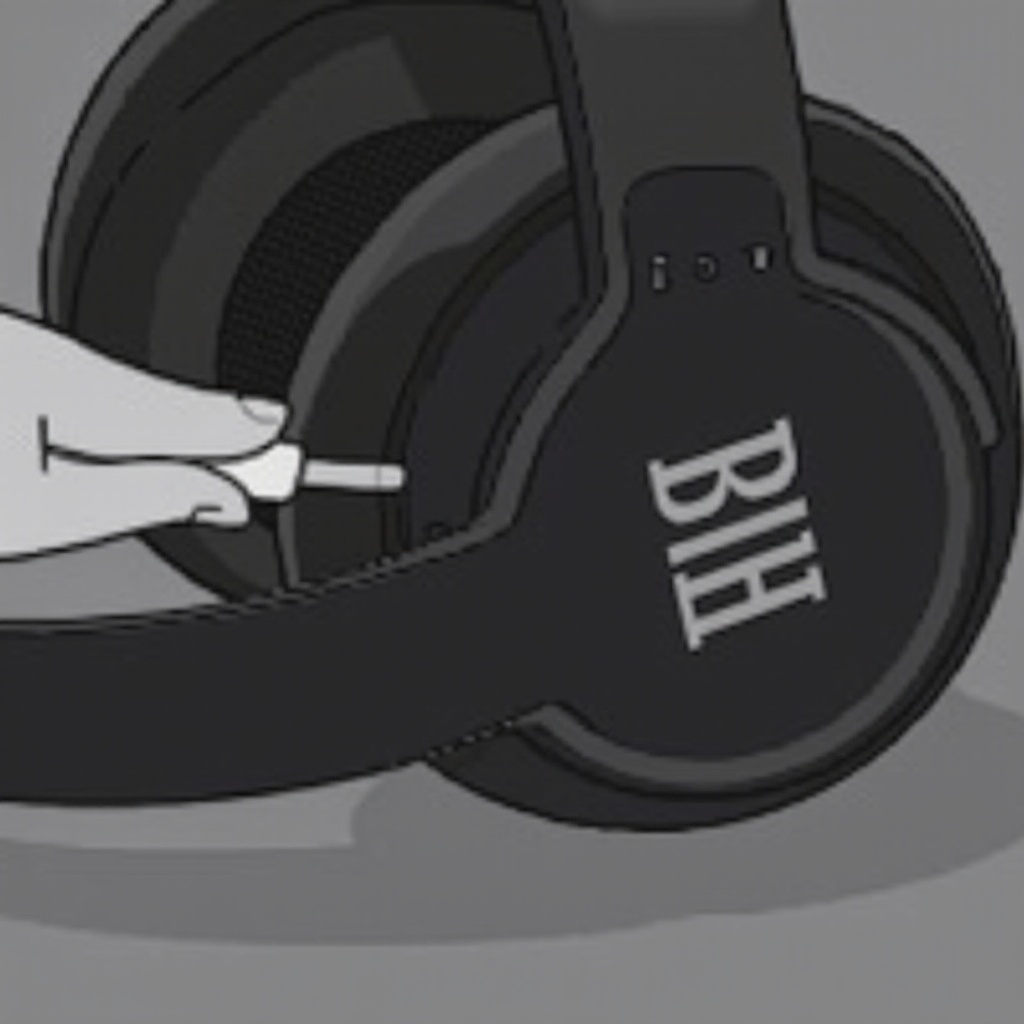
Several factors could cause your JBL headphones’ charging light to malfunction. Knowing the root cause allows for targeted troubleshooting.
-
Faulty Charging Cable or Adapter: One of the frequent culprits is a defective charging cable or adapter. With time, cables can deteriorate, losing their efficiency and causing connection issues.
-
Battery Health Concerns: Over time, the batteries in JBL headphones may degrade, preventing them from fully charging and thus affecting the charging indicator.
-
Software Glitches: Occasionally, software malfunctions might cause the charging light to behave unpredictably. Outdated firmware or bugs can disrupt normal operations.
Identifying these causes is essential for determining the most effective solutions and ensuring your headphones return to a fully functioning state.
Step-by-Step Troubleshooting Guide
To fix the charging light problem, follow these structured steps:
-
Inspect and Replace Charging Cables: Begin by examining the charging cable and adapter for damage, such as frayed wires or bent connectors. If damage is evident, replace them to check if the problem resolves.
-
Reset Your JBL Headphones: Resets often fix temporary software issues. You can reset most JBL models by holding down a combination of buttons, typically the power and volume buttons.
-
Update Firmware for Bug Fixes: An old firmware version can create operational problems. Check JBL’s official website for updates for your model and apply them.
This step-by-step guide covers most issues and restores your headphones to their proper charging functionality.
Preventative Maintenance Tips
Preventative care is essential to ward off charging problems and prolong your headphones’ life. Here are some tips:
-
Proper Handling and Storage: Store your headphones in a protective case to avoid physical damage. Keep them away from extreme temperatures and moisture.
-
Regular Cleaning and Port Maintenance: Regularly clean the headphones and charging ports. Use a soft, dry cloth to clear away dirt and debris, avoiding any liquid cleaners which could cause corrosion.
Adopting these maintenance habits will preserve your headphones’ integrity and help prevent common charging complications.
When to Seek Professional Repair
Despite your best efforts, there might be times when expertise is required.
-
Signs of Hardware Issues: Indications such as the headphones not retaining charge or damage to the charging port suggest a need for professional assistance.
-
Utilizing Warranty and Service Centers: If your headphones are under warranty, leverage JBL’s authorized service centers for reliable repair or replacement options.
Expert attention guarantees that severe or complex issues are promptly and effectively managed, keeping your headphones in excellent condition.
Conclusion
Understanding the causes and implementing the right solutions for your JBL headphones’ charging light issues ensures continued use without hiccups. Routine maintenance and cautious care address many common issues, but don’t hesitate to seek professional help when required. Keeping up with these practices ensures your listening experience remains undistorted and enjoyable.
Frequently Asked Questions
Why does my JBL headphone stop charging intermittently?
Intermittent charging can be due to a faulty cable, poor connection, or battery issues. Ensure a secure connection and consider replacing the cable if necessary.
How long should JBL headphones take to charge?
Typically, JBL headphones take between 1.5 to 3 hours to fully charge, depending on the model and the power of the charger used.
Can I charge my JBL headphones with a different charger?
You can use a different charger, but ensure it’s compatible with your JBL model to avoid damage or charging issues.